Album Cover Size (2026): Pixels for Spotify, Apple Music and Distributors
Album cover size: a 3000x3000 px square JPG in RGB passes Spotify, DistroKid, TuneCore and CD Baby. Every platform's rules compared, with sources.
On this page
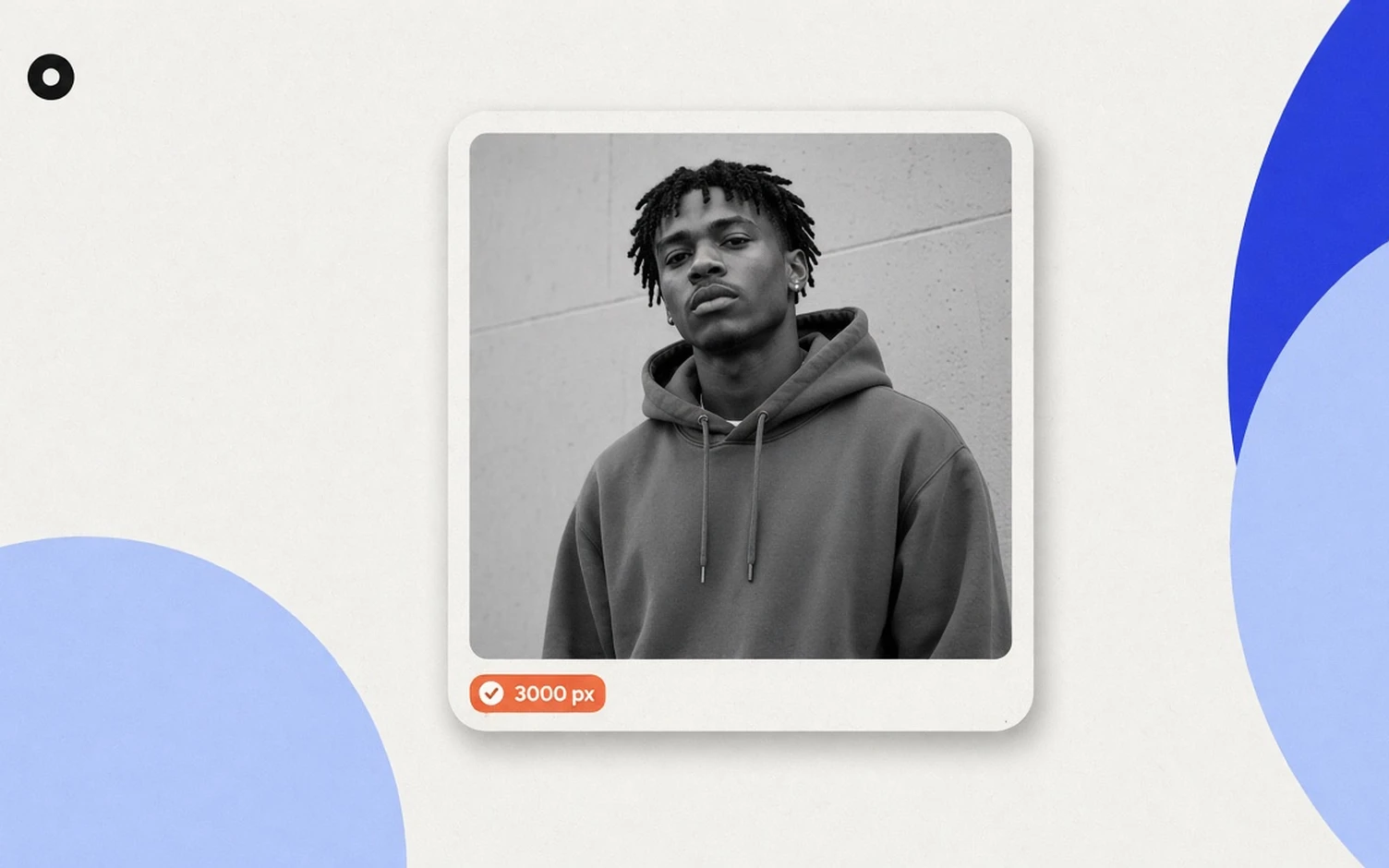
The standard album cover size is 3000 × 3000 pixels: a perfect square, saved as a JPG in RGB color, under 10 MB. That file passes the written rules of Spotify and the eight distributors below, and it is the size Apple recommends to music providers. TuneCore, CD Baby and RouteNote refuse anything larger.
Your distributor checks the file when you upload, so its rules decide whether the release goes through. Spotify and Apple Music then get the file from the distributor.
Album cover size by platform
Verified: 2026-11-05 for Spotify, Apple, DistroKid, TuneCore and CD Baby; 2026-11-03 for the rest.
| Platform | Minimum | Maximum | Recommended | File types | Color | Source |
|---|---|---|---|---|---|---|
| Spotify | 640 × 640 px | 10,000 × 10,000 px | Highest resolution you have | JPG, PNG, TIFF (lossless) | sRGB, 24 bits per pixel | Spotify for Artists |
| Apple Music (provider guidelines) | 1400 × 1400 px | Not stated | 3000 × 3000 px or larger | JPEG, PNG (100% quality) | Not stated | Apple Music Provider Support |
| Apple Music (artist guidelines) | 4000 × 4000 px | Not stated | Not stated | JPG, PNG, GIF | Not stated | Apple Music for Artists |
| DistroKid | 1000 × 1000 px | Not stated | 3000 × 3000 px | JPG | RGB | DistroKid |
| TuneCore | 1600 × 1600 px | 3000 × 3000 px | Cites Apple's 3000 × 3000 | JPG, PNG, GIF, under 10 MB | RGB | TuneCore |
| CD Baby | 1400 × 1400 px | 3000 × 3000 px | Not stated | PNG, GIF, JPG, under 25 MB | RGB (not CMYK) | CD Baby |
| UnitedMasters | 3000 × 3000 px | 6000 × 6000 px | Not stated | JPG, PNG, under 150 MB | Not stated | UnitedMasters |
| Ditto Music | 1400 × 1400 px | Not stated | 3000 × 3000 px | JPG, up to 10 MB | Not stated | Ditto Music |
| Amuse | 1400 × 1400 px | 6000 × 6000 px | "The more pixels the better" | PNG, JPEG | Not stated | Amuse |
| LANDR | 1500 × 1500 px | 6000 × 6000 px | Not stated | JPG, PNG | Must not use eSRGB | LANDR |
| RouteNote | 3000 × 3000 px | 3000 × 3000 px | The only size it lists | JPG, under 25 MB | RGB | RouteNote |
All of them ask for or prefer a 1:1 square. DistroKid adjusts other shapes itself, and warns the result may not look as you intended.
Apple publishes two different numbers
Apple's guidelines for music providers recommend 3000 × 3000 px and set the minimum at 1400 × 1400 px (Apple Music Provider Support). Its Apple Music Specification also says "a recommended minimum resolution of 3000 by 3000 pixels" (Apple Music Specification). The cover art page on Apple Music for Artists asks for "at least 4000 x 4000 pixels" (Apple Music for Artists). Apple doesn't explain the difference.
If you upload through TuneCore, CD Baby or RouteNote, a 4000 px file goes over their limit, so 3000 × 3000 is the size that fits their rules and Apple's provider guidelines. If you use DistroKid, which states no maximum, you can export at 4000 × 4000 to meet both Apple numbers; DistroKid still lists 3000 × 3000 as ideal.
What size should you export?
- One file for every distributor: 3000 × 3000 px, JPG, RGB, sRGB profile applied, under 10 MB. That meets every rule in the table except the 4000 px figure on Apple's artist page.
- Working file: keep the original design at the largest size you have. Spotify warns against upscaling (Spotify for Artists), and CD Baby notes you can scale a large image down without distortion while a small one scaled up looks blurry (CD Baby, DIY Musician).
- DPI: streaming platforms read pixels. CD Baby accepts 72 to 300 dpi and calls 300 best; TuneCore asks for at least 72 dpi. Changing the dpi value alone doesn't add detail.
Album cover size in inches
Digital cover art has no size in inches, only pixels. If someone asks for inches, divide pixels by dpi: 3000 px at 300 dpi prints at 10 × 10 inches. Physical CD and vinyl packaging use their own templates from the manufacturer, which this guide doesn't cover.
Spotify cover art requirements in detail
From Spotify for Artists, checked 2026-11-05:
- TIFF, PNG or JPG, with lossless encoding.
- The highest resolution available.
- Between 640 and 10,000 px wide and tall.
- A 1:1 aspect ratio.
- sRGB color space, 24 bits per pixel, with color profiles applied directly.
Spotify adds two things it doesn't support: embedded color profiles and orientation metadata. Phone photos often carry an orientation tag, so a cover that looks upright on your computer can be read differently. Exporting a fresh copy from an editor with "convert to sRGB" on and metadata removed avoids both.
What gets cover art rejected
The size can be right and the art still bounces. These rules appear in the official pages above:
| Rule | Who publishes it |
|---|---|
| No URLs, website addresses or QR codes | DistroKid, TuneCore, Apple |
| No social media handles or logos | DistroKid, Apple (artist guidelines) |
| No streaming service or store names and logos | DistroKid, TuneCore, Apple |
| No prices | DistroKid, TuneCore, Apple |
| No references to CD, vinyl or other formats | DistroKid, TuneCore, Apple |
| No blurry, pixelated or rotated images | DistroKid, TuneCore, Apple |
| Text on the cover must match the artist name and title you submit | TuneCore, CD Baby |
| No images you don't have the rights to | DistroKid, TuneCore, Apple |
| No dates or years | Apple (artist guidelines) |
| Don't reuse the same artwork for another release | DistroKid |
| Generic art, such as a solid color square with no text, may not be accepted | CD Baby, Apple |
Apple's style guide also rules out references to audio formats such as Dolby Atmos, spatial audio or lossless on the art (Apple Music Style Guide).
Free tool: album cover size checker
Drop in your cover and the checker reads the file in your browser, without uploading it. It shows one row per service, with where the file passes, what fails and why. If your file is square and 3000 px or larger, it can save a 3000 × 3000 JPG copy. It never enlarges a smaller file.
Album cover size checker
The size that passes all of them: 3000 × 3000 pixels, square, as a JPG under 10 MB.
- Spotify 640 to 10000 px · JPG, PNG, TIFFSource
- Apple Music From 1400 px · JPG, PNGSource
- DistroKid From 1000 px · JPGSource
- TuneCore 1600 to 3000 px · JPG, PNG, GIF · up to 10 MBSource
- UnitedMasters 3000 to 6000 px · JPG, PNG · up to 150 MBSource
- Ditto Music From 1400 px · JPG · up to 10 MBSource
- Amuse 1400 to 6000 px · JPG, PNGSource
- LANDR 1500 to 6000 px · JPG, PNGSource
- CD Baby 1400 to 3000 px · JPG, PNG, GIF · up to 25 MBSource
- RouteNote 3000 × 3000 px · JPG · up to 25 MBSource
Apple's page for artists asks for at least 4000 × 4000, more than its page for providers, and that wouldn't pass TuneCore, CD Baby or RouteNote. If your distributor allows it, keep a bigger master too. Apple's page for artists
Read on November 3, 2026 on each service's help pages. These are size and file rules; each one also has rules about what can appear on the cover.
FAQ
What size should album cover art be?
3000 × 3000 pixels, square, JPG, RGB, under 10 MB. It passes Spotify and the eight distributors in the table, and matches Apple's provider recommendation.
What is the minimum album cover size for Spotify?
640 × 640 pixels. The maximum is 10,000 × 10,000 pixels (Spotify). Your distributor's minimum is usually higher.
What album cover size does DistroKid need?
At least 1000 × 1000 pixels, JPG, RGB. DistroKid says 3000 × 3000 pixels and perfectly square is ideal.
Can album art be bigger than 3000 × 3000?
On Spotify, yes, up to 10,000 px. TuneCore, CD Baby and RouteNote set 3000 × 3000 as their limit.
Is album art 4000 × 4000 for Apple Music?
Apple's cover art page for artists says at least 4000 × 4000. Apple's provider guidelines recommend 3000 × 3000 with a 1400 × 1400 minimum. Apple doesn't explain the difference.
Can I use a PNG for cover art?
Spotify, Apple, TuneCore, CD Baby, UnitedMasters, Amuse and LANDR accept PNG. DistroKid, Ditto Music and RouteNote ask for JPG.
Next step
The cover is also the image fans see when you share the release. Put the same art on a release page with your streaming links and a fan sign-up: see how to build a music release landing page, and run through the rest of the files with the music release checklist. Loud makes that page for each release, with the cover, the links and the sign-up.