How to Release Music on Spotify as an Independent Artist (2026)
How to get your music on Spotify without a label: pick a distributor, upload, claim Spotify for Artists, pitch 7 days early and share one release link.
On this page
- The steps at a glance
- Step 1: Pick a distributor
- Step 2: Prepare the release
- Step 3: Upload through your distributor
- Step 4: Claim your profile in Spotify for Artists
- Step 5: Pitch the song at least 7 days before release
- Step 6: Release day
- What "free" means on Spotify
- Free tool: release readiness check
- Where does Loud fit?
- FAQ
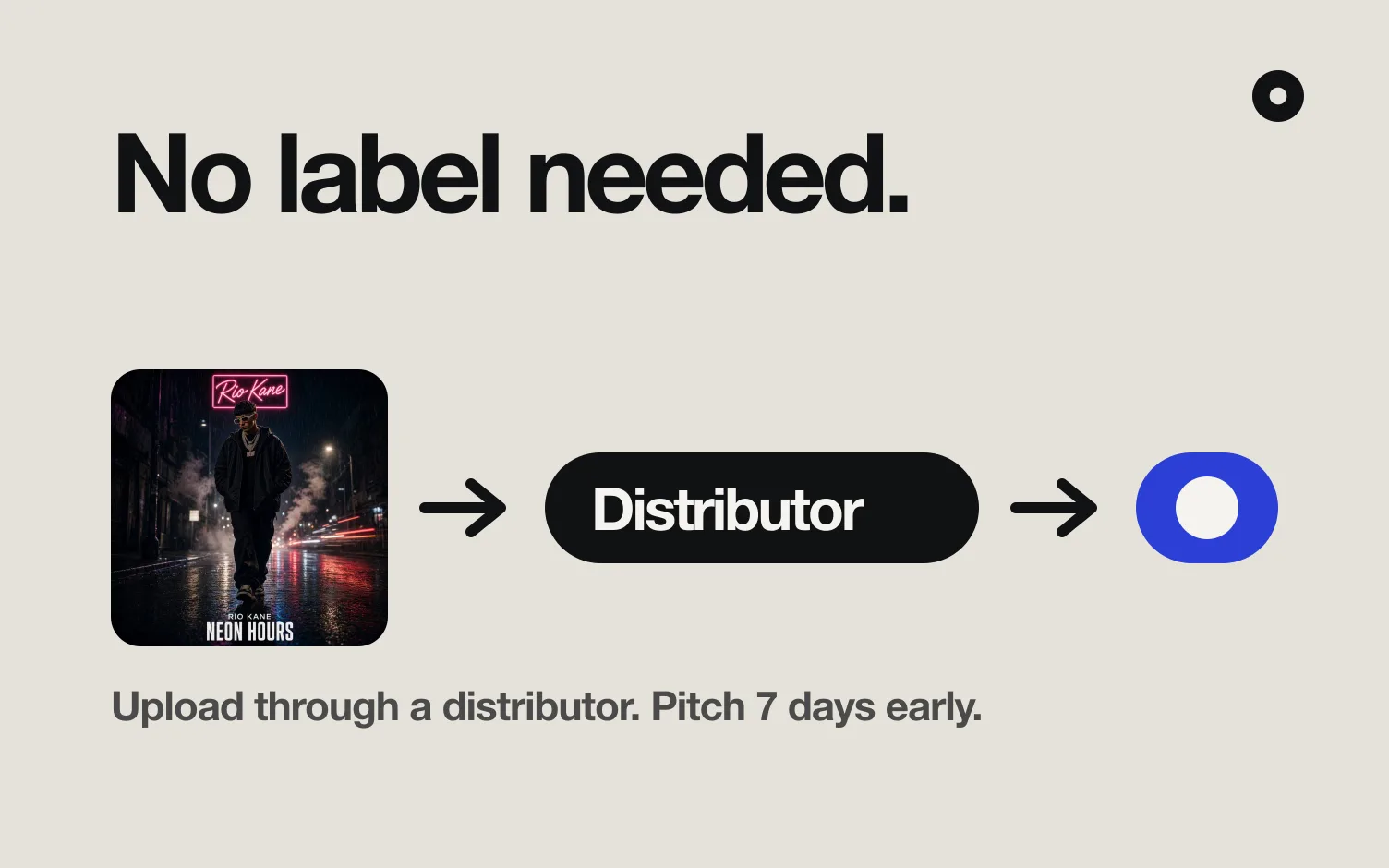
To release music on Spotify, you upload it through a distributor, not to Spotify directly. You sign up with a distributor, upload the audio, cover art and credits, pick a release date, and the distributor delivers it to Spotify. Your artist profile is created when the first release goes live, and you claim it in Spotify for Artists.
You don't need a label. Spotify's own help center sends artists to a distributor, and says a signed artist's label usually already works with one.
The steps at a glance
Checked October 30, 2026.
| Step | What you do | What Spotify says |
|---|---|---|
| 1. Pick a distributor | Choose one from Spotify's provider directory or another you trust | "Work with a distributor to get your music on Spotify" (Spotify) |
| 2. Prepare the files | Final master, cover art, credits, release date | Cover art: TIFF, PNG or JPG, 1:1, 640 to 10,000 px per side, sRGB, not upscaled (Spotify) |
| 3. Upload | Fill in the distributor's form and submit | Your artist profile is created automatically when your music is first uploaded (Spotify) |
| 4. Claim Spotify for Artists | Request access with your artist link | Preferred providers give access as soon as you submit the request; other requests are reviewed by hand and can take a few days (Spotify) |
| 5. Pitch the song | Music, then Upcoming, then the pitch form | Pitch at least 7 days before release to land in your followers' Release Radar (Spotify) |
| 6. Release and share | Send fans to one link on release day | Not a Spotify rule; this is where your audience comes from |
Step 1: Pick a distributor
A distributor delivers your music to Spotify and the other stores, then pays you the streaming royalties. Spotify keeps a provider directory of preferred providers, "all of which meet our standards for delivering music to our platform." On October 30, 2026 the artist distributors marked preferred included DistroKid, CD Baby, TuneCore, EmuBands, Record Union, Amuse, RouteNote, recordJet, LANDR and Too Lost, along with regional ones such as MUGO (Poland), VIEENT (Vietnam) and Random Sounds (Latin America).
Spotify's note on cost: "Most distributors charge a fee or commission. Each service is unique, so do a little research before picking one." Pricing models change often, so compare on the distributor's own pricing page the day you sign up. Things worth checking:
- How you pay. An annual fee, a fee per release, a cut of royalties, or a free tier. RouteNote, for example, describes itself in Spotify's directory as offering "both Free and 100% Royalty subscription plans."
- Spotify for Artists access. Spotify says you get access automatically when you submit a request through a preferred provider.
- Pre-save links and ISRCs. Many distributors include them. See how to set up a pre-save on DistroKid and what an ISRC code is.
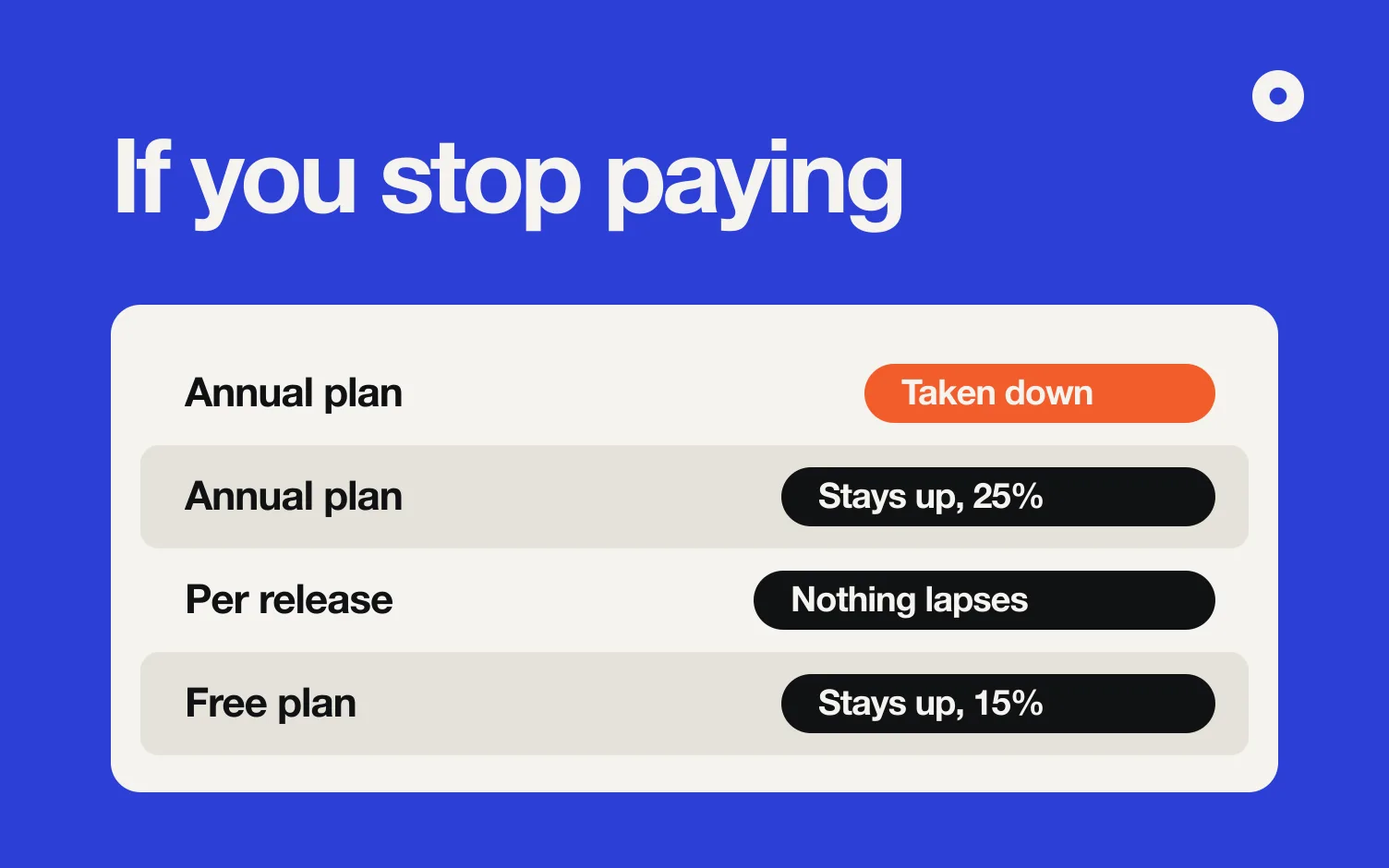
- What happens if you stop paying. Check what each service's terms say happens to your releases if a plan ends, before you upload. Our music distributor comparison records that policy for eight of them, with the price and the cut.
Step 2: Prepare the release
- Final master. Whatever you upload is what ships.
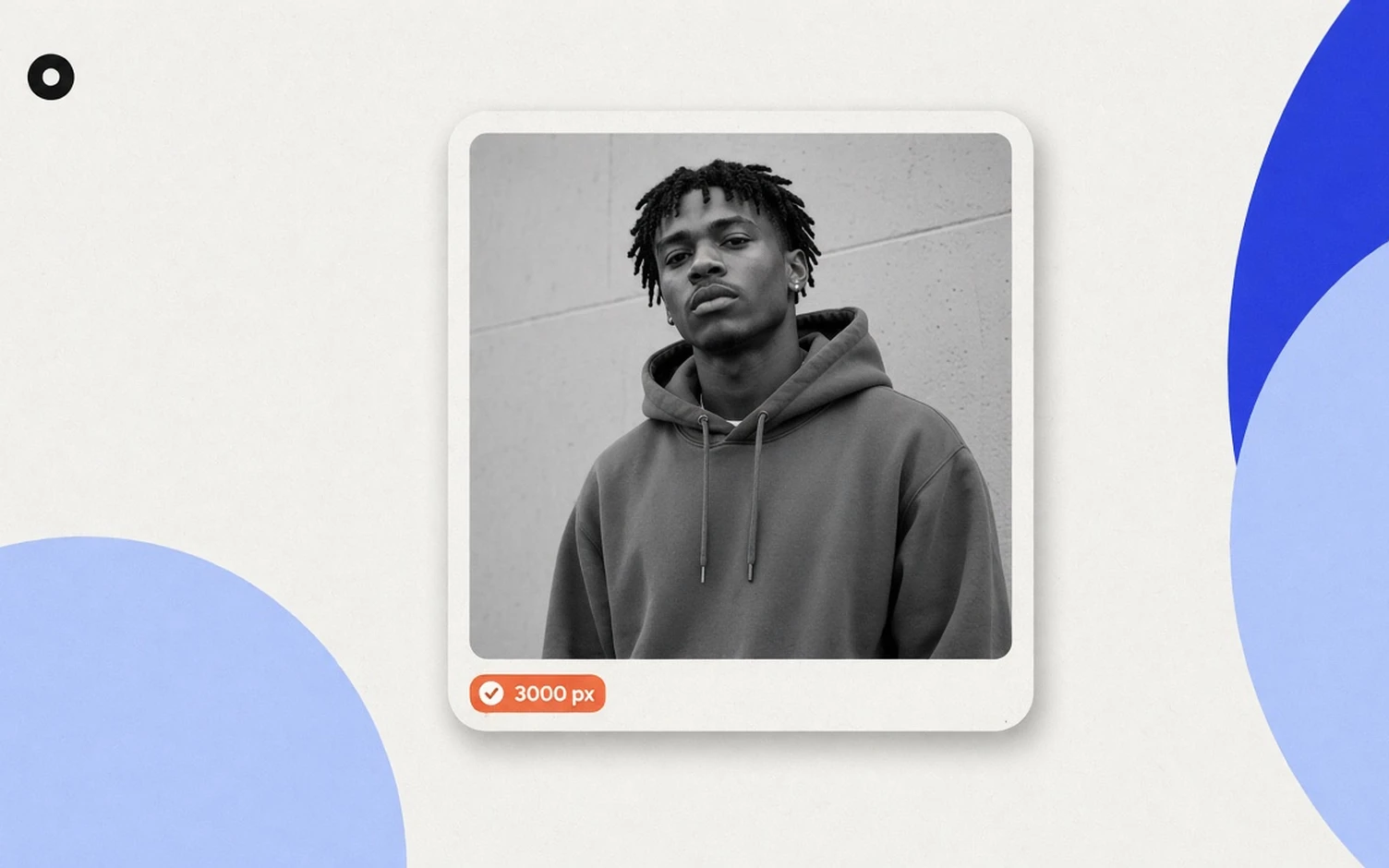
- Cover art. Spotify asks for a square image between 640 and 10,000 pixels per side, in TIFF, PNG or JPG with lossless encoding, sRGB at 24 bits per pixel, at the highest resolution you have. Don't upscale a small image, and leave out embedded color profiles and orientation metadata (Spotify, cover art requirements). Your distributor may have stricter rules, so check both. The check at the end of this post reads your file against Spotify's list. Your distributor has its own limits, so check the file with our album cover size checker. Every service's rules are side by side in album cover size.
- Credits. Songwriters, producers, performers and featured artists, spelled the way you want them to appear.
- Release type. A single, EP or album; see EP vs album vs single.
- Release date. At least three or four weeks out gives you room for the distributor's processing and the 7-day pitch window. Distributors don't publish one common delivery time.
Step 3: Upload through your distributor
Fill in the distributor's form: artist name, track titles, credits, audio files, artwork, genre and release date. Double-check the artist name. If another artist on Spotify shares your name, tell the distributor so your release doesn't land on the wrong profile.
There is no profile to create first. Spotify says: "Your artist profile is created automatically when your music is first uploaded to Spotify. It's not possible to create an artist profile yourself." (Spotify)
Step 4: Claim your profile in Spotify for Artists
Spotify for Artists is where you see stats, pitch songs and edit your profile. You can claim it before your first release goes live: ask your distributor for your Spotify artist link or URI, then contact Spotify with that link and the UPC or EAN of your upcoming release. Spotify asks for a link to your website or social channels to verify it's you. Through a preferred provider, access comes with the request. Otherwise Spotify reviews it by hand, which can take a few days (Spotify).
Once you're in, add your photo and bio: the bio takes up to 1,500 characters, and how to write an artist bio has a template.
Step 5: Pitch the song at least 7 days before release
From Spotify's pitching page, checked October 30, 2026:
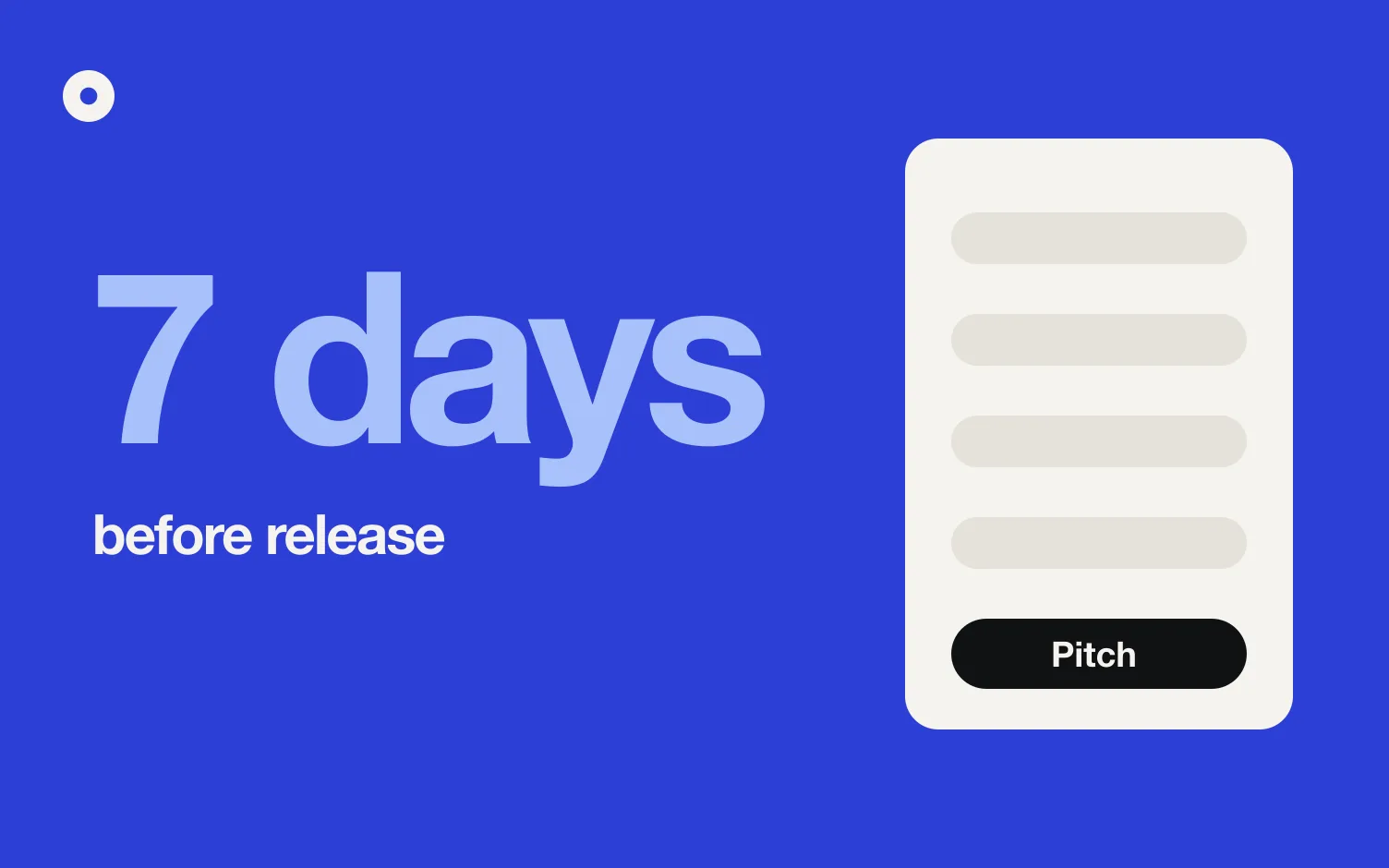
- Pitch an unreleased song at least 7 days before release and Spotify adds it to your followers' Release Radar.
- Go to Music, then Upcoming, choose the song and complete the form. Spotify says more detail gives the song a better chance.
- You can pitch one song at a time. Compilations and songs where you are only a featured artist can't be pitched.
- Once the song is live, it can no longer be pitched.
Source: Pitching music and videos to Spotify playlist editors. What to write in the form is in how to pitch a song to Spotify playlists, and the full timeline, from master to release week, in the music release checklist.
Step 6: Release day
Spotify gets the song to your followers. The rest of your audience has to find the link somewhere: your bio, your stories, an email. A release landing page with the streaming links and an email sign-up gives every post the same destination, and a pre-save link does the same job before release day. If you have a vertical clip, a Canvas loops behind the song in the app.
What "free" means on Spotify
Two things get mixed up in "how to release music on Spotify for free":
- Uploading. Spotify's help center sends artists to distributors and notes that most of them charge a fee or commission. Some, like RouteNote, list a free plan. The cost, if any, comes from the distributor you pick.
- Getting paid. Since April 2024, a track needs at least 1,000 streams in the previous 12 months, plus a minimum number of unique listeners that Spotify doesn't disclose, to count in the recorded music royalty pool (Spotify, track monetization eligibility). How much you receive after that depends on your distributor's terms.
Free tool: release readiness check
Pick your release date and drop your cover art. The check works out the last day to pitch for Release Radar and a suggested upload date, and reads the image against Spotify's published cover art rules: file type, square, size, and whether it carries an embedded color profile or orientation tag. It runs in your browser and stores nothing.
Check your release is ready
Pick the release date and drop your cover art. Both are read in your browser; nothing is uploaded or stored.
Where does Loud fit?
Once the song is live, the question becomes where fans land when they click your link. We make Loud, which builds your website and link in bio from your Spotify and keeps them up to date with every release: each release gets its own page with the listen buttons and a fan sign-up, made for you when the song comes out. For the weeks before, you paste your distributor's pre-save link into Loud and the same page says "Pre-save" instead.
FAQ
Can I upload music to Spotify without a distributor?
No. Spotify's help center says to work with a distributor, which handles delivery and pays the streaming royalties, and that you can't create an artist profile yourself.
Can I release music on Spotify for free?
It depends on the distributor. Spotify notes that most charge a fee or commission, and some, like RouteNote, list a free plan.
Do I need a label to release music on Spotify?
No. Independent artists use a distributor. If you are signed, your label usually already works with one.
How long before release should I upload?
Spotify asks for delivery at least 7 days before release so editors can listen. Distributors need their own processing time, so three to four weeks is a safer buffer.
How do I get Spotify for Artists before my first release?
Ask your distributor for your Spotify artist link or URI, then contact Spotify with that link and the UPC or EAN of the upcoming release. Through a preferred provider, access comes with the request.
When does a song start earning royalties on Spotify?
Since April 2024, a track needs at least 1,000 streams in the past 12 months, plus a minimum of unique listeners Spotify doesn't publish, to count in the royalty pool.