Spotify Artist Pick: Image Size, How Long It Lasts and Why It Isn't Showing
Spotify Artist Pick specs: an image of at least 690 x 500 px in JPEG, GIF or PNG, live for 180 days. How to set it, what it shows and why it disappears.
On this page
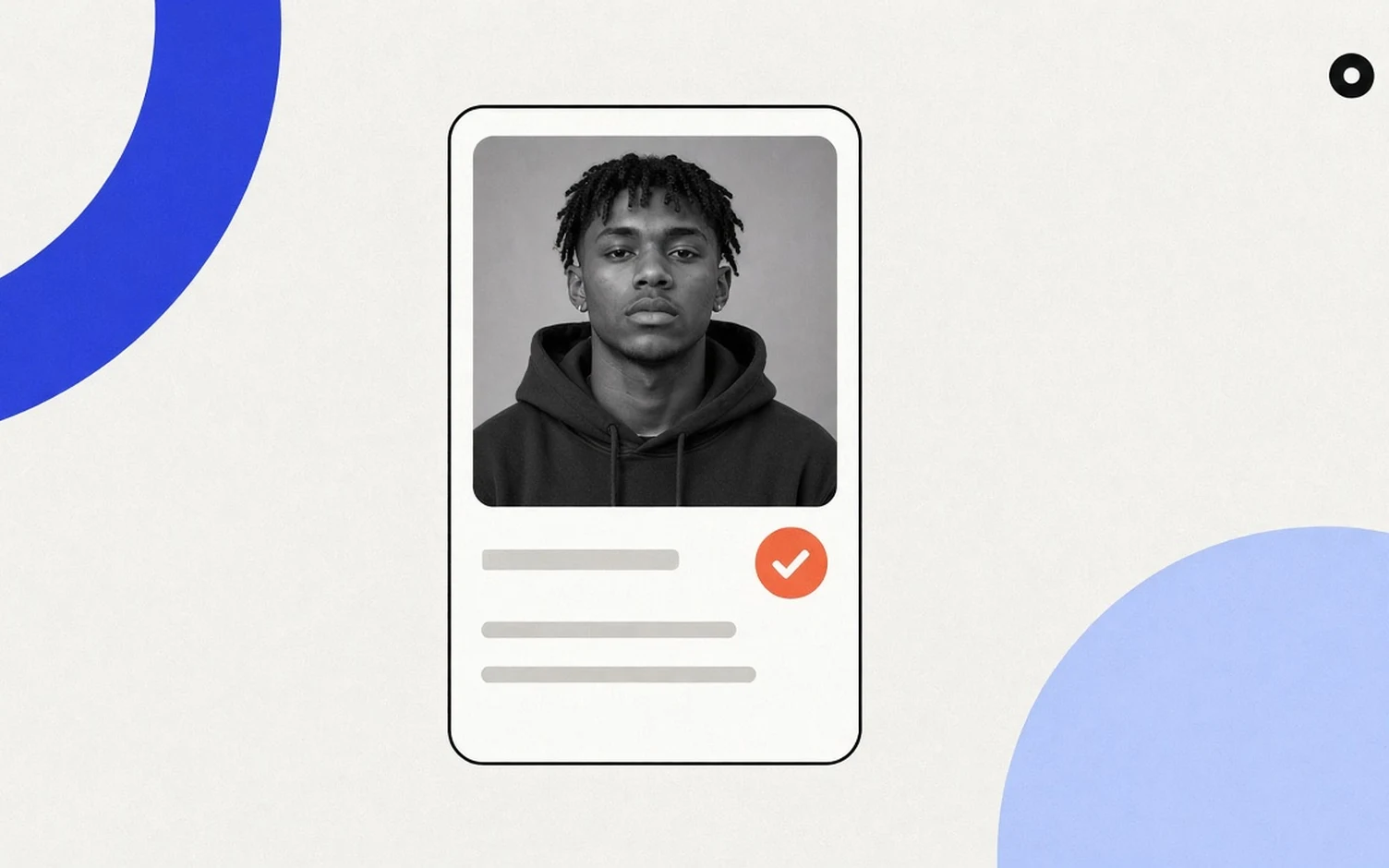
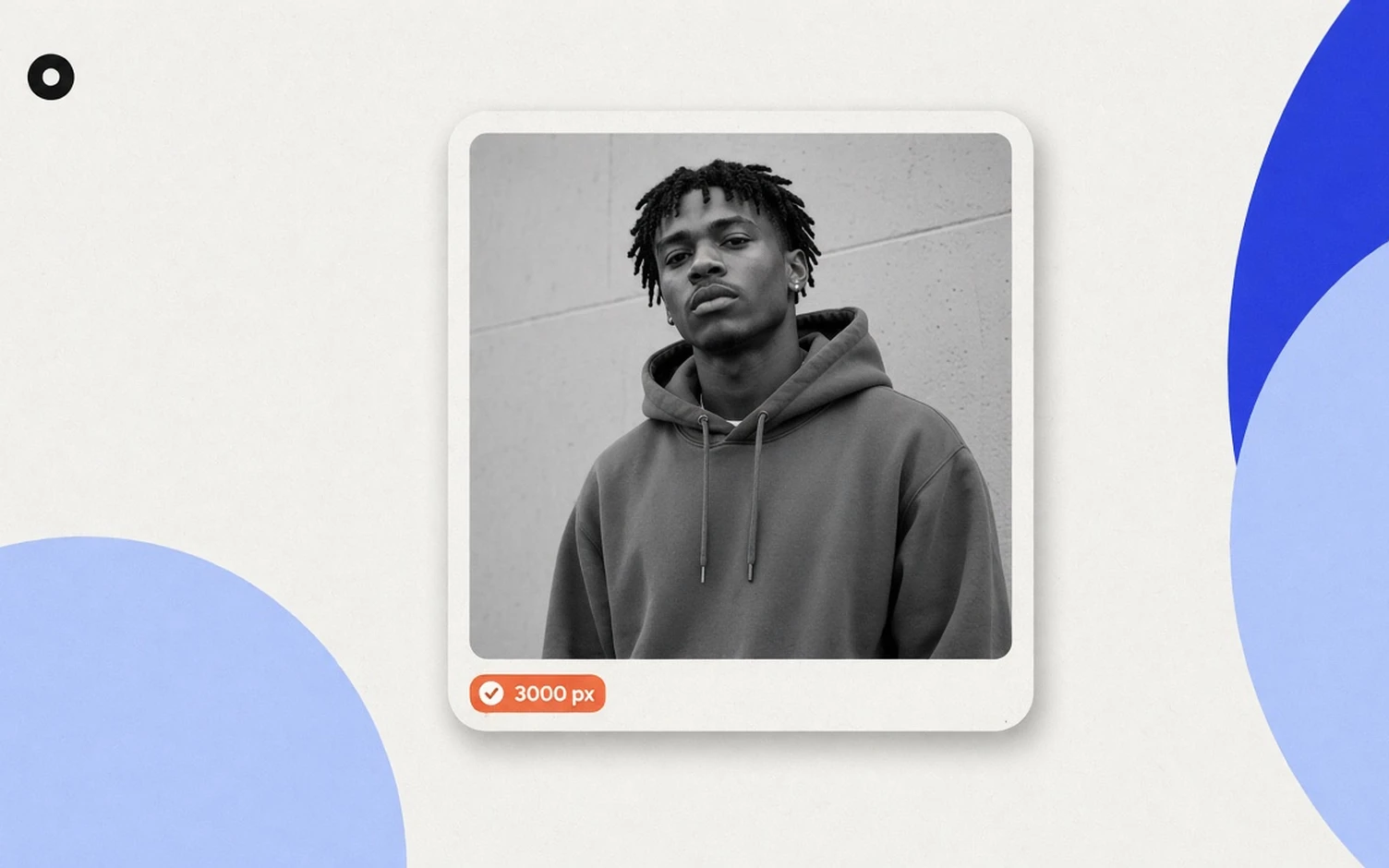
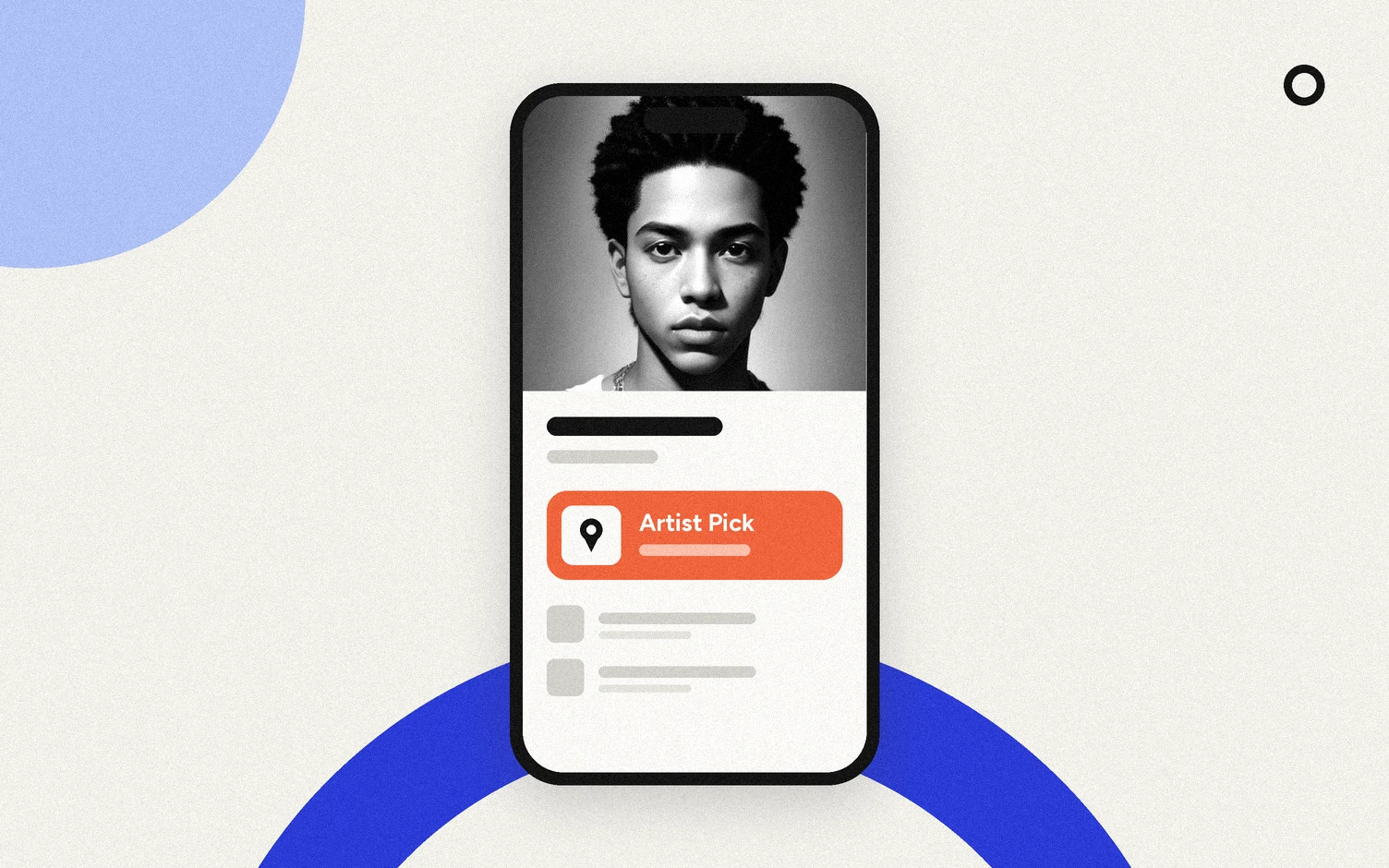
Artist Pick is the slot at the top of your Spotify profile where you feature one song, album, video, playlist, concert, merch item or podcast. Set it in Spotify for Artists from your profile, with the + under Artist Pick. The image must be at least 690 x 500 px in JPEG, GIF or PNG, and the Pick stays live for 180 days (Spotify for Artists Support).
Artist Pick specs
| Item | Spec | Source |
|---|---|---|
| Image size | At least 690 x 500 px | Spotify Support |
| Image format | JPEG, GIF or PNG | Spotify Support |
| Maximum image size or file weight | Not published by Spotify | Spotify Support |
| Message | "A short message"; Spotify doesn't publish a character limit | Spotify Support |
| How long it shows | 180 days, unless you change it sooner | Spotify Support |
| Who can set it | Admins and Editors on the Spotify for Artists team | Spotify Support |
Verified: 2026-11-20.
The minimum works out to a ratio of 1.38:1, a little wider than 4:3. Spotify doesn't publish a recommended ratio or how the app crops the image, so keep faces and any text away from the edges.
On the message, ONErpm's artist guide says you have "up to 140 characters" (ONErpm ONEhub). Spotify's own page doesn't confirm a number, so the safest move is one short sentence.
What you can feature
According to Spotify's support page, a Pick can showcase:
- Songs, albums, music videos or playlists
- Concerts
- Merch
- Podcast shows or episodes (web only, not in the mobile app)
How to set or change your Artist Pick
On the web:
- Log in to artists.spotify.com.
- Open your profile.
- Select + under Artist Pick.
- Search for the content you want to feature or paste a Spotify link.
In the Spotify for Artists mobile app:
- Open the app and tap Profile.
- Tap + under Artist Pick.
- Search for the content or paste a link.
Then add the image and the message. To change the Pick, repeat the steps with new content. The 180-day limit only matters if you leave it alone that long: a Pick set on November 23, 2026 runs until May 22, 2027.
14 days then, 180 days now
The duration has changed. An April 2021 capture of Spotify's help page said the Pick "shows for up to 14 days", with tour Picks staying up until the day after the last show (Wayback Machine capture, April 13, 2021). The current page says 180 days.
| April 2021 | November 2026 | |
|---|---|---|
| How long a Pick shows | Up to 14 days | 180 days unless changed |
| What it can feature | Songs, albums, playlists, concerts, podcasts | Adds music videos and merch |
| Image specs listed | None | At least 690 x 500 px, JPEG, GIF or PNG |
| Concert Picks | Until the day after the last show | Disappears after the show or when tickets sell out; the next show appears if you have one |
Verified: 2026-11-20, comparing the archived 2021 page with the current Spotify Support page.
Many guides written before the change still say two weeks. If a tutorial tells you the Pick expires in 14 days, check its date.
Why your Artist Pick isn't showing
Spotify's support page lists the cases where a Pick goes away or doesn't appear. Matched to the usual complaint:
| What you see | Likely reason (per Spotify) |
|---|---|
| The Pick vanished after months | It reached 180 days |
| A concert Pick disappeared | The show happened or tickets sold out |
| A merch Pick disappeared | The item sold out |
| Fans in some countries can't see your video Pick | Music video Picks show only where videos are available |
| You can't add a podcast from your phone | Podcasts can be added only on the web |
| There's no + under Artist Pick | Only Admins and Editors can set it; check your access with your team admin |
| The image upload is rejected | The file is under 690 x 500 px or isn't JPEG, GIF or PNG |
Verified: 2026-11-20. If none of these apply, Spotify's support page doesn't list other causes, so the next step is contacting Spotify for Artists support.
Artist Pick vs Fan Support
You may still see "Artist Fundraising Pick" in older articles. Spotify launched it on April 22, 2020 as a separate slot for fundraising links, and on May 26, 2022 it became Fan Support (Spotify for Artists blog). It isn't part of the regular Artist Pick described on the current support page.
FAQ
What size is the Spotify Artist Pick image?
At least 690 x 500 px, in JPEG, GIF or PNG. Spotify doesn't publish a maximum.
How long does an Artist Pick last?
180 days unless you change it sooner. Concert Picks disappear after the show or when tickets sell out, and merch Picks when the item sells out.
What can I put as my Artist Pick?
A song, album, music video, playlist, concert, merch item, or a podcast show or episode. Podcasts can be added only on the web.
How long can the Artist Pick message be?
Spotify calls it a short message and doesn't publish a limit. ONErpm's guide says 140 characters.
Why can't I set an Artist Pick?
Only Admins and Editors on your Spotify for Artists team can set it. If you don't see the + under Artist Pick, ask your team admin to check your access.
Can I change my Artist Pick before 180 days?
Yes. Repeat the steps with new content at any time.
Point it at your newest release
The Pick works best when it points at your newest release. If you're getting one ready, the music release checklist and the Spotify Canvas specs cover the rest of the profile, and your website link on Spotify for Artists covers where your profile sends people.