Can You Add Your Website to Spotify for Artists?
Get Spotify listeners to your website even without a link field: which links Spotify for Artists allows, where they show up and what to do instead.
On this page
No. Spotify for Artists lets you add Instagram, Facebook, X, TikTok, Wikipedia and WhatsApp channel links to your artist profile, but there's no field for your own website, according to Spotify Support. To send Spotify listeners to your site, make it the link in the bios of the Instagram and TikTok profiles you add there.
Which links can you add to your Spotify artist profile?
Six, per Spotify Support (checked October 16, 2026):
- X
- TikTok
- Wikipedia
- WhatsApp, channels only (the link has to include whatsapp.com/channel/)
They show up in the About section of your profile in the Spotify app. Spotify changes this list from time to time, so check the page if something looks different.
How do you add them?
1. Sign in to Spotify for Artists
Go to artists.spotify.com and sign in.
2. Open your profile
Open your profile view. On a phone, open the menu first.
3. Edit More Info
Select About, then the edit icon next to More Info, and add your links.
How do you get Spotify listeners to your website, then?
- Make your site the link in your bios. Add Instagram and TikTok on Spotify, and put your website in those profiles. A listener goes from Spotify to your Instagram to your site in two taps. Here's how to set up your Instagram links.
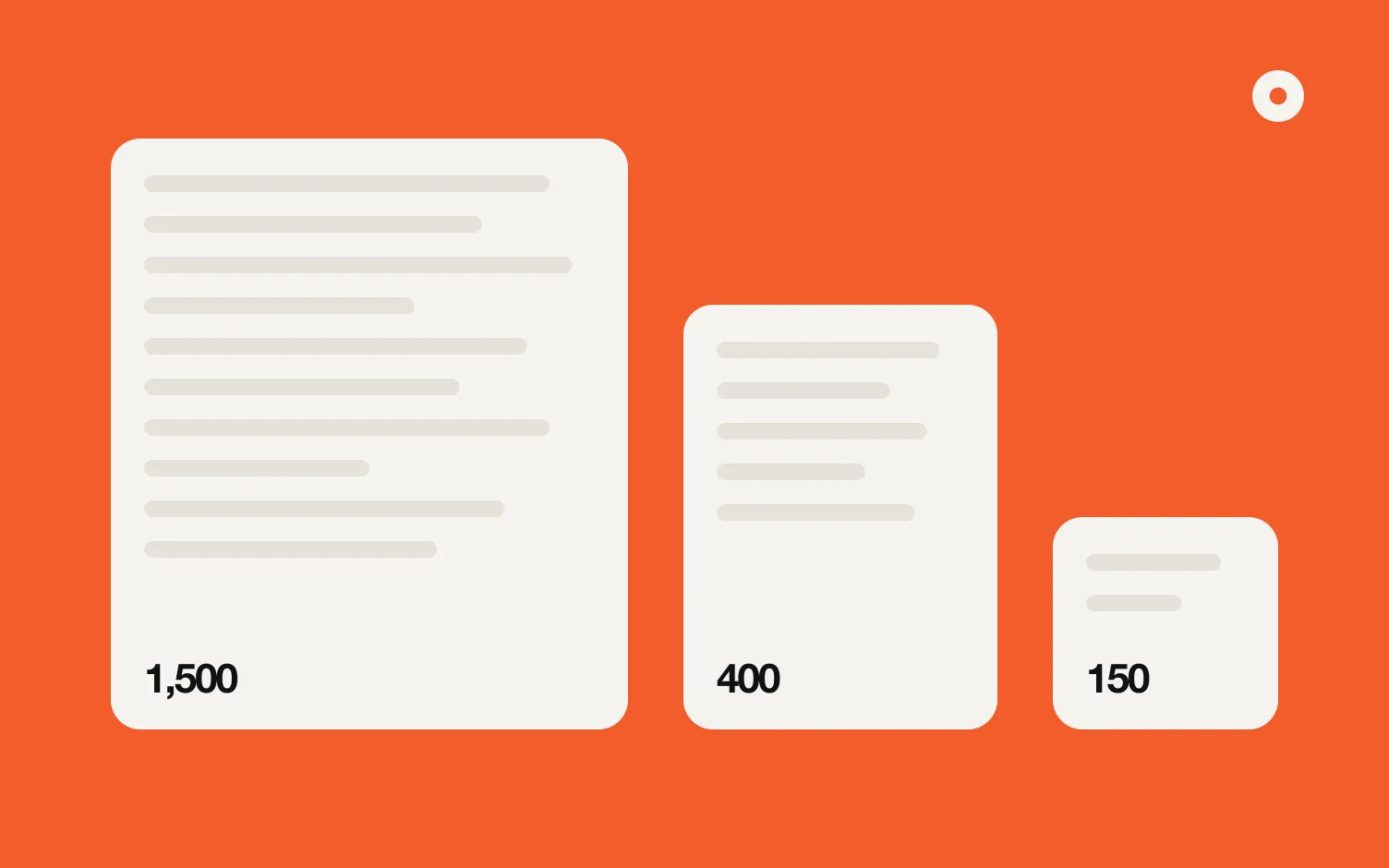
- Mention it in your Spotify bio. You get 1,500 characters (Spotify for Artists; here's how to write the bio itself). Spotify says you can link to anything on Spotify there; it doesn't say a website address becomes a link, so think of it as plain text people can read.
- Use what Spotify does well. On your profile you can manage your bio, images, Artist Pick, concerts and merch, and Countdown Pages for pre-saves (Spotify Support), and each track can have a Canvas, the short loop behind the cover (size and specs).
Does Spotify think you need a website?
Spotify for Artists published a story called Do You Need a Website? in 2020. Its point: an official site is the hub you control, where fans, the industry and press find the right information, with links out to your other platforms. We go deeper in do musicians still need a website.
Where does Loud fit?
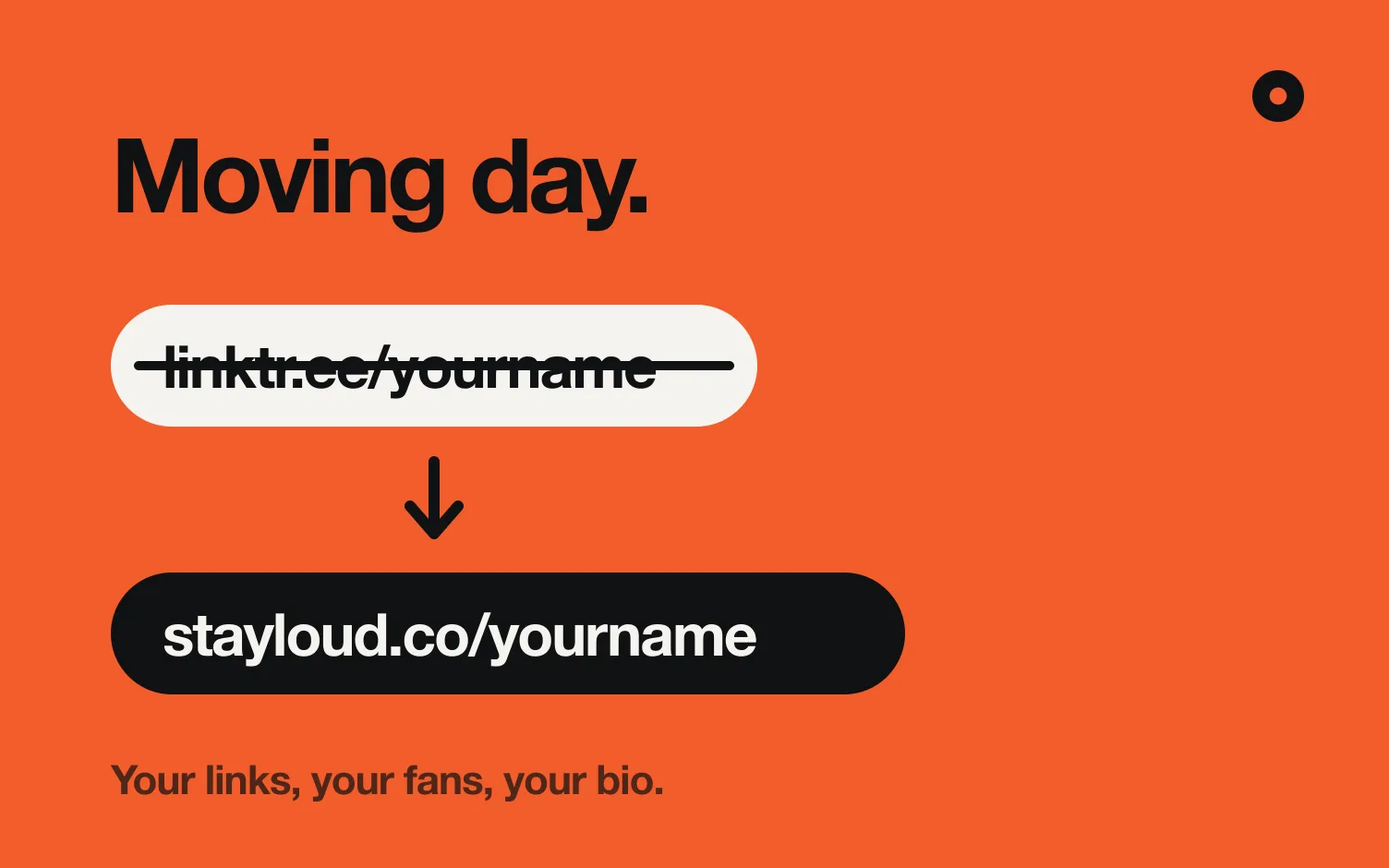
It goes the other way around. We make Loud: you search one of your songs, and Loud builds your website (yourname.stayloud.co) and a link in bio (stayloud.co/yourname) from your music, with your releases, covers, videos and shows. Every day it checks for new music and updates both. Spotify can't link to your site, but your Instagram and TikTok can, and that's where your link in bio goes.
Building your page is free, and publishing starts 14 free days. Pro is US$4 a month billed yearly or US$5 monthly, and lets you use your own domain.
Related: how to make a music website and how to add your Spotify link to TikTok.
FAQ
Can I add my website to my Spotify artist profile?
Not as a link. Spotify for Artists supports Instagram, Facebook, X, TikTok, Wikipedia and WhatsApp channel links.
Where do my social links appear on Spotify?
In the About section of your artist profile in the Spotify app.
How do I send Spotify listeners to my website?
Add your Instagram and TikTok on Spotify, and make your website the link in those bios.
Can I put my website in my Spotify bio?
You can write it there; the bio has 1,500 characters. Spotify doesn't say outside addresses become tappable links, so don't count on it.
Which WhatsApp links does Spotify accept?
Only WhatsApp channels, with whatsapp.com/channel/ in the link. Chats don't work.