How to Switch from Linktree to Loud (2026): Links, Fans and Your Bio
Move from Linktree to Loud in about 20 minutes: what moves on its own, how to bring your fan list, what to do with old linktr.ee links and when to stay.
On this page
To switch from Linktree to Loud, search one of your songs on Loud and publish the site it builds, add the custom links you still need, export your contacts from Linktree as a CSV and import them in Loud's Fans page, then change the link in your Instagram and TikTok bio. Keep your Linktree page up with one button to your new page, so old posts and stories still land somewhere.
We make Loud, so read this as our guide to our own product. Everything about Linktree comes from its help center, linked below, checked November 1, 2026.
What moves, and how
| What you have on Linktree | On Loud | How |
|---|---|---|
| Links to your music | Built for you | Loud finds your releases and adds them; new ones appear on their own |
| Latest release button | Built for you | The newest release goes on top, with a page of its own |
| Social icons | Your socials | Change, add or hide each one in Link in bio |
| Custom links (merch, tickets elsewhere, a form) | Your links | Add them by hand, order them, and set a start and end date if you want |
| Email sign-ups | Fans | Export a CSV from Linktree, import it in Fans |
| Clicks and history | Not moved | On Linktree Premium, download your activity CSV before you leave; Loud starts counting from zero |
| Store, digital products, courses | Not on Loud | Keep them on Linktree, or see "When not to switch" |
| Pre-save campaigns | The link only | Paste your distributor's pre-save link; Loud shows it |
How to switch from Linktree to Loud, step by step
1. Build your page from one song
On stayloud.co, search one of your songs and tap yours. Loud builds two pages: a link in bio (stayloud.co/yourname) and a full website (yourname.stayloud.co), with your releases, videos and photo. It takes a couple of minutes, and you see it before you make an account. More detail in how to make a music website.
2. Add the links Loud can't find
Open your Linktree next to Loud and go down your buttons. Your music is already there. Add the rest in Link in bio: your merch store, a ticket page, a form. Each link can have a start and end date, so a ticket link can disappear after the show on its own.
3. Bring your fan list
If people signed up on your Linktree, take them with you. Linktree's help center explains the export: in the sidebar, Audience, then Integrations, then Export CSV at the bottom, set a passcode, and download the file from the email (Linktree Help). That page says integrations are on Pro and Premium; if you don't see the button, check your plan.
In Loud, open Fans and import the file. Loud reads columns named email, name, city, country and phone, and asks you to confirm these people gave you permission to email them. Imported fans show as "Imported", and every email you send them has a one-tap unsubscribe link. To write to them from Loud, your page has to be confirmed first (step 5).
4. Save your Linktree stats
Linktree keeps your clicks; Loud can't import them. If you're on Premium and want the history, download it first: in Insights, open Linktree activity, pick the dates and select Download CSV for a ZIP with your views, clicks, cities, countries, devices and referrers (Linktree Help). Linktree says the export is available on Premium plans; on the others, write down the numbers you care about.
5. Confirm the page is yours
Send the code Loud gives you, from your Instagram, to @stayloudco. Until then your page is live with a "Verification pending" badge, and fan sign-up, contacts and fan emails stay off, so nobody can collect fans under your name.
6. Change the link in your bio
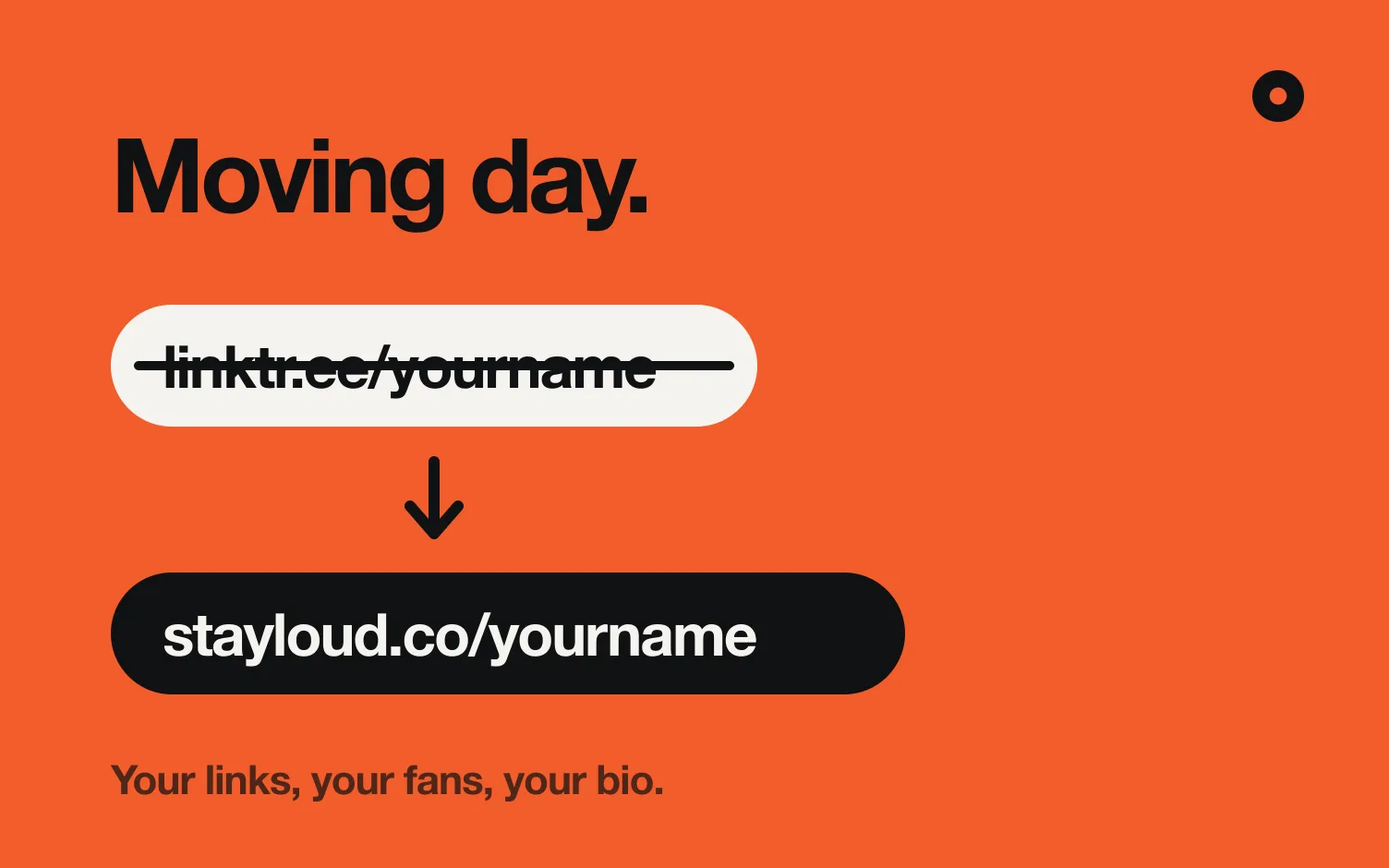
Replace linktr.ee/yourname with stayloud.co/yourname in Instagram, TikTok and anywhere else you put it. If you're not sure where it goes, see how to add your Spotify link to your Instagram bio: the steps are the same for any link.
7. Leave one button on Linktree
Old posts, stories and comments still point to linktr.ee/yourname. Instead of deleting the account, leave a single button on it that says something like "My new page" and points to stayloud.co/yourname. Nobody lands on a dead page, and you can close it in a few months.
When not to switch
Be honest with yourself about what Linktree does for you. Stay on it, or use both, if:
- You sell from your link in bio. Linktree has a store, digital products and courses; Loud sells nothing.
- You run pre-save campaigns from it. Linktree creates pre-saves; Loud only shows the link your distributor gives you (how pre-saves work).
- Your music isn't out yet. Loud starts from a song on streaming; with nothing released, it has nothing to build from.
- You rely on its integrations. Calendly, Typeform, Shopify and many more connect to Linktree.
The full comparison is in Loud vs Linktree, and if you're still choosing, see Linktree alternatives for musicians.
Where does Loud fit?
Loud is for musicians who are tired of updating the same buttons after every release. It builds your link in bio and a website from your music, adds each new release on its own, and keeps a fan list by city that you can export whenever you want. You build it for free, and publishing starts 14 free days.
FAQ
Can I import my Linktree links into Loud?
Not automatically. Your music links are built for you from your releases, so most of a musician's Linktree is already there. The other links you add by hand, which takes a few minutes for a typical page.
Will I lose my fan emails if I leave Linktree?
Not if you export them first. Linktree describes a CSV export of your contacts under Audience and Integrations, and Loud's Fans page imports that file.
What happens to my old linktr.ee links?
They keep pointing to your Linktree as long as the account exists. Leave one button there to your new page instead of deleting it.
Can I keep my Linktree username?
Your Linktree username stays yours while the account is open. On Loud you pick your own name, used in stayloud.co/yourname and yourname.stayloud.co.
Is Loud free?
Building your page is free. Publishing starts a 14 day free trial, then Pro is US$5 a month, with the link in bio, the website, every design and your own domain.
How long does the switch take?
About 20 minutes for a typical musician's page: a couple to build it, a few to add your other links, and the rest to export and import your fans.