How to Make a Music Website in Two Minutes (No Design Skills)
Skip the design work: the sections a musician's site needs, how to build it from one of your songs step by step, and what to do once it's live.
On this page
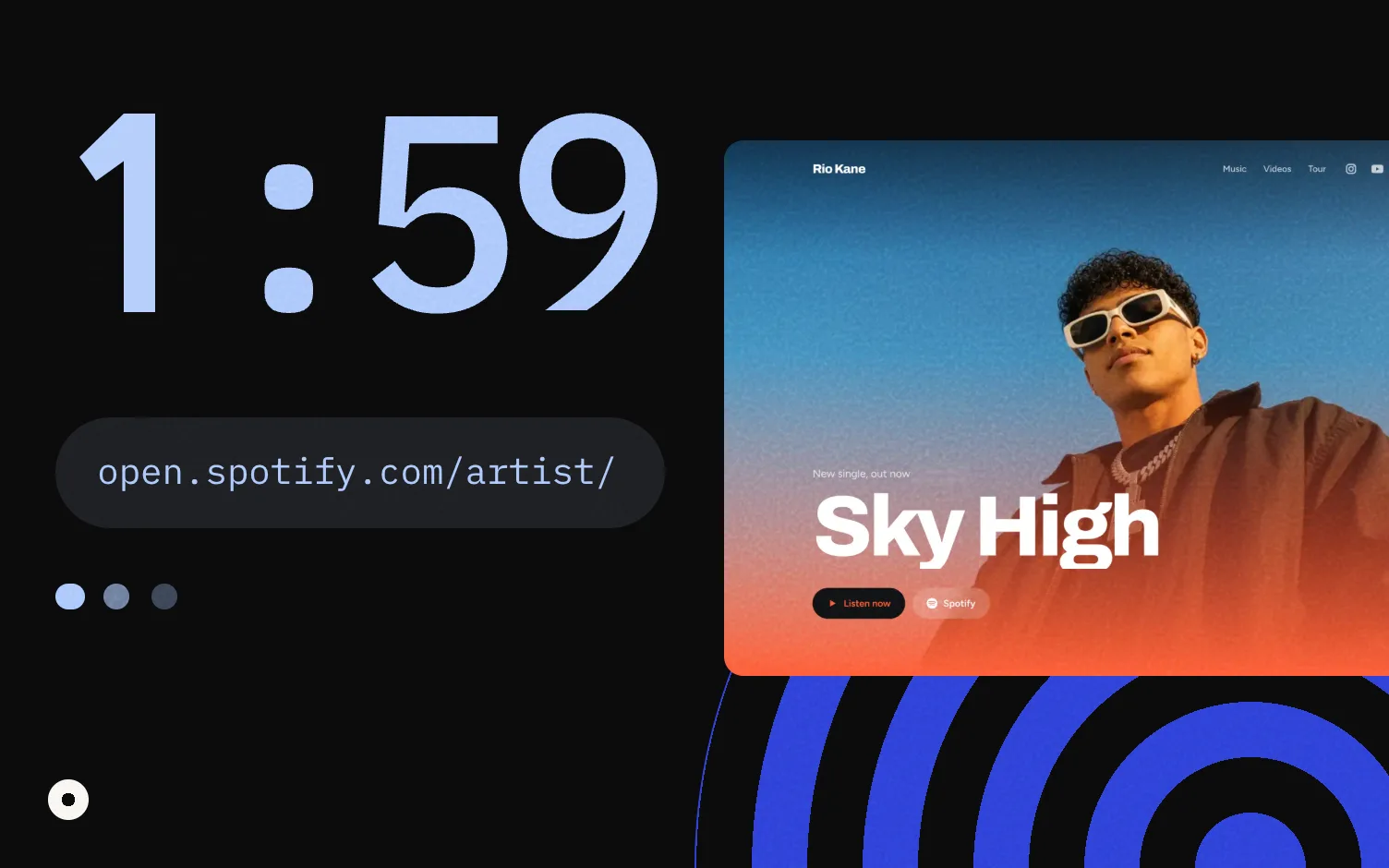
A quick way to make a music website is to start from one of your songs. Search for it in a tool that reads your releases, confirm it's you, check the site it makes, and publish. Your songs, covers and links are already there, so there's nothing to design.
What does a musician's website need?
Less than you might think. Plan it around three things a visitor may want: to listen, to see you live, or to contact you. Everything on the page should help with one of those.
| Section | What it does | When to leave it out |
|---|---|---|
| Header with photo | Shows people they're in the right place | Never; use a cover if you have no good photo |
| Latest release | The song you want people to play right now | Never |
| Music | Your releases, newest first | Never |
| Coming soon | A release that isn't out yet, with a pre-save | When nothing is announced |
| Videos | Official videos first | When you have none |
| Shows | Dates with a Tickets button | When nothing is booked |
| Fan sign-up | Email and city, so you can write to fans directly | Never |
| Contact | Booking and management emails | Once you have one, never |
Two habits help. Hide empty sections (an empty "Tour" heading can read as "nobody books me"). And keep the newest thing at the top. For what to send promoters, see what goes in a press kit.
How do you make a music website from one of your songs?
Here's how it works in Loud, which builds your website and link in bio from your music and keeps both updated with every release.
1. Search one of your songs
At stayloud.co, type the name of one of your songs and your artist name. Any song you've released works.
2. Tap yours and confirm it's you
Loud shows the songs it found, and you tap yours. If the song is credited to several artists, it asks which one you are. The song tells Loud which music is really yours when several artists share a name. If it's not sure, it asks you instead of guessing. If your song doesn't show up, you can paste your Spotify artist link instead.
3. See your site
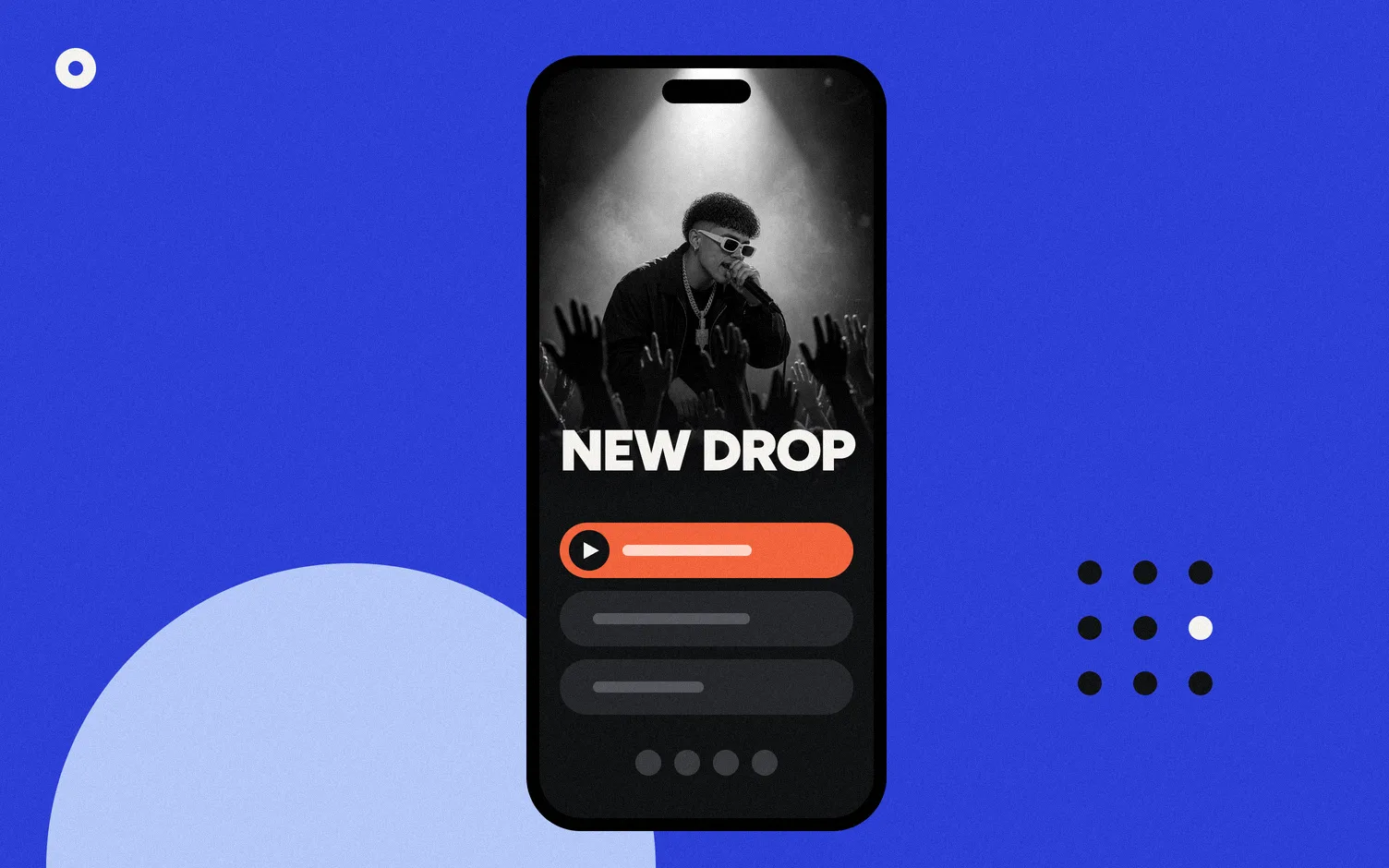
Loud builds your site and link in bio with your releases, covers and listening buttons, usually in about 20 seconds. You see it before you create an account. You can add your photo and your YouTube channel here; Loud puts official videos first and skips Shorts.
4. Publish it
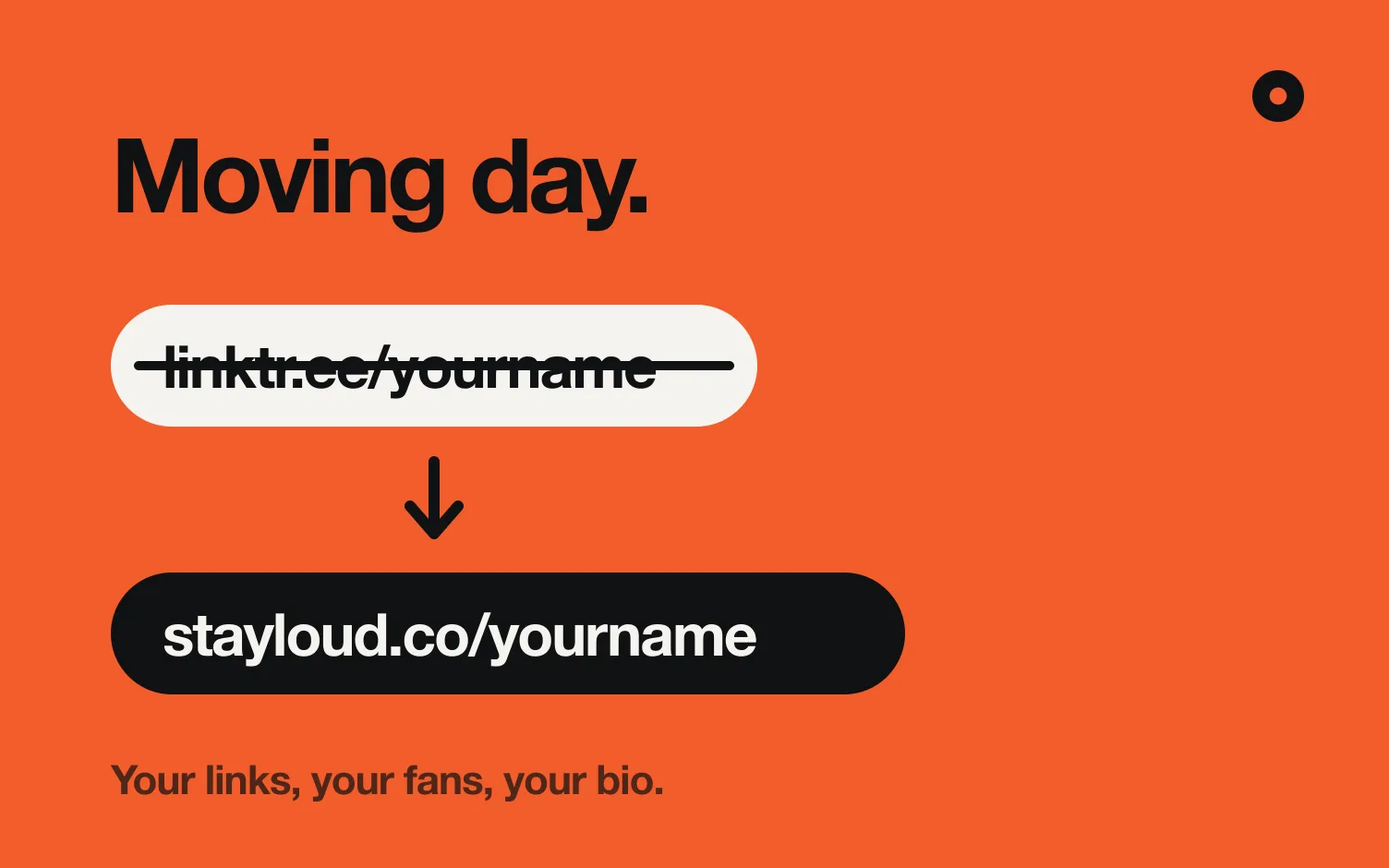
Tap Publish my site and sign up with Google or a 6-digit code sent to your email. Your website is live at yourname.stayloud.co and your link in bio at stayloud.co/yourname.
That's it. No fonts to pick, no text to write, no covers to upload. If you'd rather design every page yourself, see Loud vs Bandzoogle.
What happens right after you publish?
Your site is online right away with a "Pending verification" badge. While it's there, fan sign-up stays off, so a page someone else makes in your name can't collect fans' emails. To remove it, send us a short code from your Instagram (the one linked on your Spotify profile). Once you're confirmed, the badge goes away and your fan sign-up, contact info and fan emails turn on.
From then on the site updates itself. New music or a new video shows up without you doing anything.
What should you do once it's live?
Each of these takes a few minutes.
- Put the link in your bios. Use
stayloud.co/yournameon Instagram and TikTok. On Instagram: Edit profile, Links, Add external link (Instagram Help). More in what to put in your Instagram bio link. - Pick your design. In your dashboard, under Website, you can try every design. Night is free; the rest come with Pro.
- Add your shows. Each date gets a Tickets button that goes to wherever you sell tickets.
- Add your contact. A booking email and, if you have one, management. The email only appears when someone taps it, which makes it harder for spam bots to grab.
- Paste your pre-save link when you announce a release. Loud can't create pre-saves, so you paste the one from your distributor and the release appears under "Coming soon" with a Pre-save button. More in what a music release landing page needs.
- Move or hide sections. On Pro you can also pick from 6 layouts for the header, music, videos and shows.
Release singles often? See how rappers order their pages in link in bio for rappers: latest track and video first, then the next show.
Do you need your own domain?
Not to start. Your Loud address works fine. If you want yourname.com, buy it anywhere and connect it on Pro or Tour. Here's how to use a custom domain.
FAQ
How long does it take?
About two minutes from searching your song to having it live. The site itself builds in around 20 seconds; the rest is adding your photo, publishing and creating your account.
Do I need to know design or code?
No. The site comes with a finished design. You can change the photo, the font and the order of the sections, and on Pro the design and colors.
Is it free?
Building it is free, with no time limit. Publishing starts a 14 day free trial. Pro is US$4 a month billed yearly or US$5 monthly.
What if my music isn't out yet?
Loud builds your site from your released music, so come back when your first song is out.
Does the site update when I release new music?
Yes. Loud checks every day and adds new releases and videos on its own.
Do I still need a website if I have a link in bio?
We answer that in do musicians still need a website. Comparing tools? See Linktree alternatives for musicians.