How to Add Your Spotify Link to Your Instagram Bio (2026)
Get your music one tap from your Instagram profile: how to add your Spotify link to your Instagram bio, which link to use and how to order up to five.
On this page
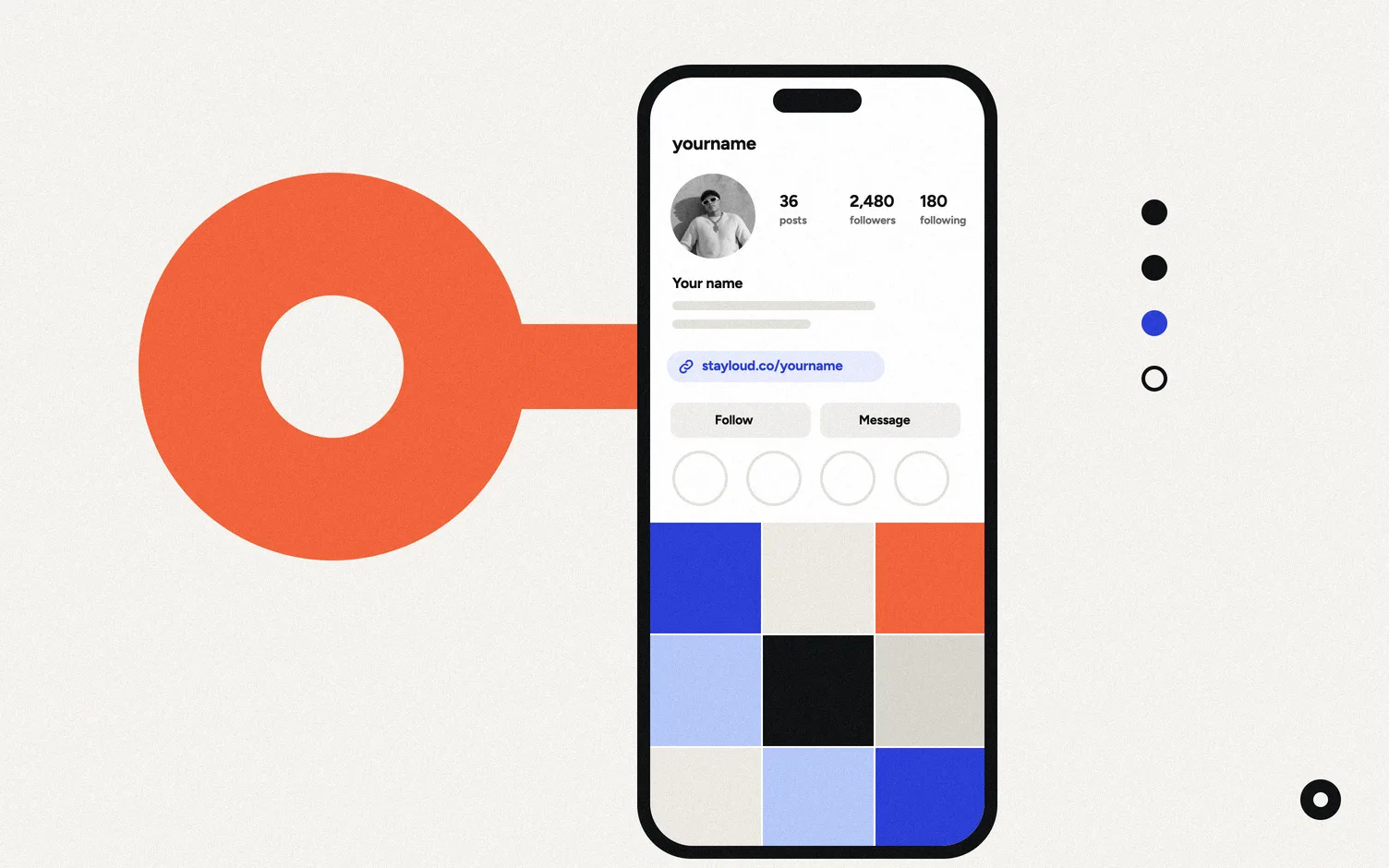
Copy your Spotify artist link (in the Spotify app: your profile, the three dots, Share, Copy link). In Instagram, go to Edit profile, Links, Add external link, paste it and tap Done. You can add up to five links, so put the one you care about most at the top.
Which Spotify link should you use?
Spotify gives you a different link for your profile, each song and each release. They do different jobs.
| Link | Looks like | Use it for |
|---|---|---|
| Your artist profile | open.spotify.com/artist/… | Every day. It never goes out of date. |
| One song or release | open.spotify.com/track/… or /album/… | Release week, when you want plays on one song. |
| A pre-save | A link from your distributor | The weeks before a release date. |
The artist link is the safe choice. A song link is stronger in release week, but it goes stale as soon as the next song is out, so you have to remember to change it. A pre-save link comes from your distributor, not from Spotify; here's how pre-saves work.
How to add a Spotify link to your Instagram bio, step by step
1. Copy the link in Spotify
Open your artist profile (or the song), tap the three dots, then Share and Copy link. On a computer it's the three dots, Share, Copy link to artist. Those are the steps in Spotify's help center.
2. Open Links in Instagram
Go to your profile, tap Edit profile, then Links, then Add external link.
3. Paste it and save
Paste the address and tap Done. Instagram lets you add up to five websites to your profile, and everyone, on and off Instagram, can see them (Instagram Help).
4. Put your links in order
In Edit profile, Links, tap the options menu, then Reorder links, and hold a link to drag it up or down. According to Meta's help center, you can also mark one as your primary link, the one you want people to see first, once you have at least two (Meta Help Center).
Why doesn't my Spotify link show up as a link?
Check whether it was typed into the bio text. Instagram adds websites through Edit profile, Links, so delete it from the text and add it there. Also check that you pasted the whole address, starting with https://open.spotify.com/.
Five Instagram links or one link-in-bio page?
Five links are enough if they rarely change: Spotify, Apple Music, YouTube, tickets and one more. Meta says a paid Meta One plan raises the limit to 20 links (Meta Help Center).
A link-in-bio page makes more sense when what goes first changes every few weeks (a pre-save, then the song, then a show) or when you want fans to leave their email. You put one link in Instagram and change the page behind it, not your profile. We wrote a full guide on what to put in your Instagram bio link.
Where does Loud fit?
We make Loud. You search one of your songs, and Loud builds two pages: a website (yourname.stayloud.co) and a link in bio (stayloud.co/yourname) for Instagram. Every day it checks for new music and YouTube videos. When you release, the new song shows up on both, with its own page, without you touching your Instagram links. Fans can leave their email and city, and the list is yours to export.
Building your page is free, and publishing starts 14 free days. Pro is US$4 a month billed yearly or US$5 monthly.
Where Loud loses here: Instagram's own links are free, need no extra page and take two minutes. If you release a few times a year and don't collect emails, they may be all you need.
Related: how to add your Spotify link to TikTok, Loud vs Linktree and 7 Linktree alternatives for musicians.
FAQ
How many links can I add to my Instagram bio?
Up to five, according to Instagram's help center. Meta says a Meta One subscription raises it to 20.
Why is my Spotify link not clickable on Instagram?
It was probably typed into the bio text. Add it under Edit profile, Links, Add external link instead.
Should I link my Spotify profile or my latest song?
Your artist profile works all year. Use the song's link in release week if you'll remember to switch it back, or use a link-in-bio page that changes on its own.
Can I put a pre-save link in my Instagram bio?
Yes. Add the pre-save link from your distributor as one of your links before release day, then swap it for the song when it's out.
Where do I find my Spotify artist link?
In the Spotify app, open your artist profile, tap the three dots, then Share and Copy link. It starts with open.spotify.com/artist/.