What to Put in Your Instagram Bio Link as a Musician
Plan the link in your Instagram bio: what goes first, how many links Instagram allows, an order to use around each release and mistakes to avoid.
On this page
Put your newest release first, then your next show, then a way to join your mailing list. Instagram lets you add up to five links, or you can use one link-in-bio page that holds everything.
How many links can you add to your Instagram bio?
Up to 5, according to Instagram Help. You add them in the app:
- Go to your profile and tap Edit profile.
- Tap Links, then Add external link, and paste the address.
- Tap Done.
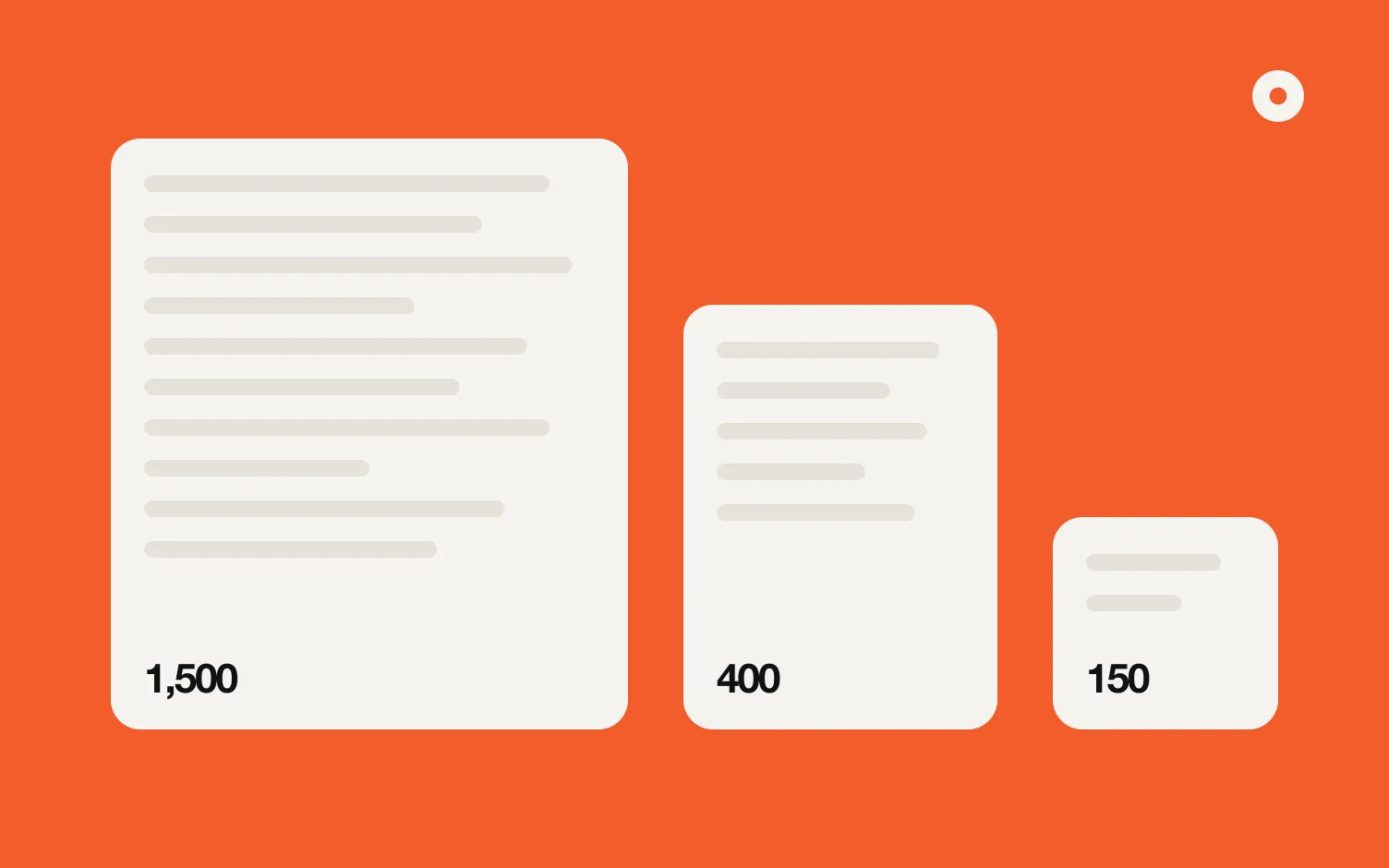
To change the order later, go back to Edit profile, then Links. Your bio text can be up to 150 characters (Instagram Help); what to put in them is in how to write an artist bio. For the Spotify link itself, here's how to put your Spotify link in your Instagram bio.
One link or five?
Five links work if you only ever need five things. If you need more, or what you need changes every few weeks (a new single, a pre-save, a show, a video), editing five links each time is easy to forget.
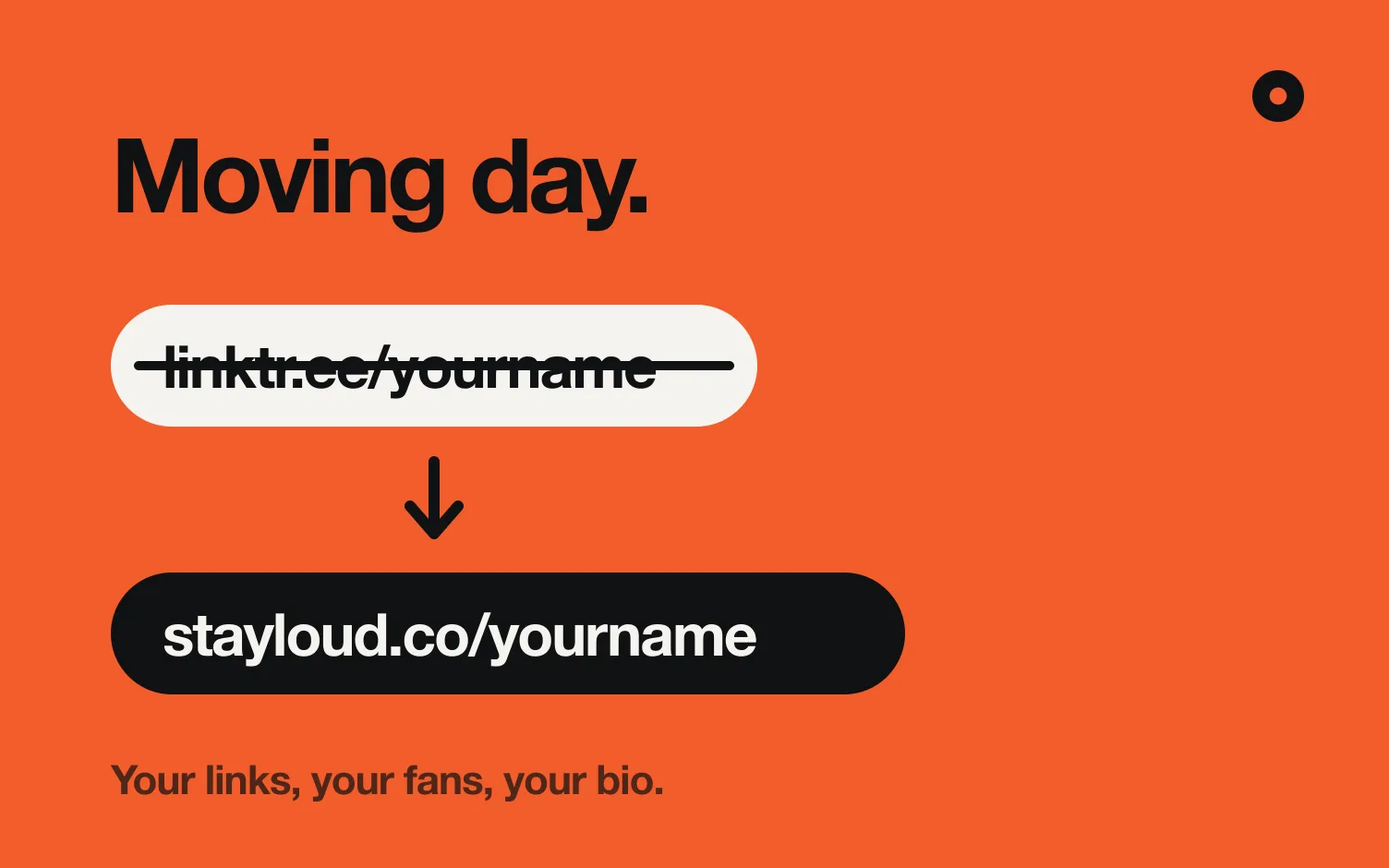
A link-in-bio page (Linktree or one of its alternatives) helps with that. One link goes in Instagram, and the page behind it holds as many buttons as you want, in your order. You can still use Instagram's other slots for things that never change, like your YouTube channel. Already on Linktree and want a page that updates itself? See how to switch from Linktree.
What should go in your bio link, and in what order?
Order it by what you want a new visitor to do. Someone tapping your bio link may have just heard you in a reel or a story.
1. Your latest release
The song you're pushing now, with buttons for Spotify, Apple Music and YouTube. It's the one thing you most want a new listener to hear.
2. A pre-save, when a release is coming
If a song is coming soon, the pre-save goes above everything. On release day, swap it for the song. You get the pre-save link from your distributor. Here's how Spotify pre-saves work.
3. Your next show
One date with a Tickets button. If you're on tour, show the next date and link to the rest.
4. Your mailing list
A short form for email, and ideally city. On Instagram, the app ranks what each person sees. With an email list, you write to your fans directly. Here's how to start an email list.
5. A video
Your newest official video, if you have one.
6. Booking contact
One button for promoters, and a press kit if you have one. It doesn't need to be near the top, as long as it's easy to find.
7. Everything else
Merch, your full website, other socials. Useful, but lower down.
| Situation | What goes first |
|---|---|
| Release in the next few weeks | Pre-save |
| Release day and the weeks after | The new song |
| Show coming up | Next show, right under the song |
| Nothing new for months | Your most played song, then the mailing list |
How often should you update it?
Every time something changes: you announce a release, it comes out, you add a show, a show passes. An old "new single" at the top can make it look like you're not active.
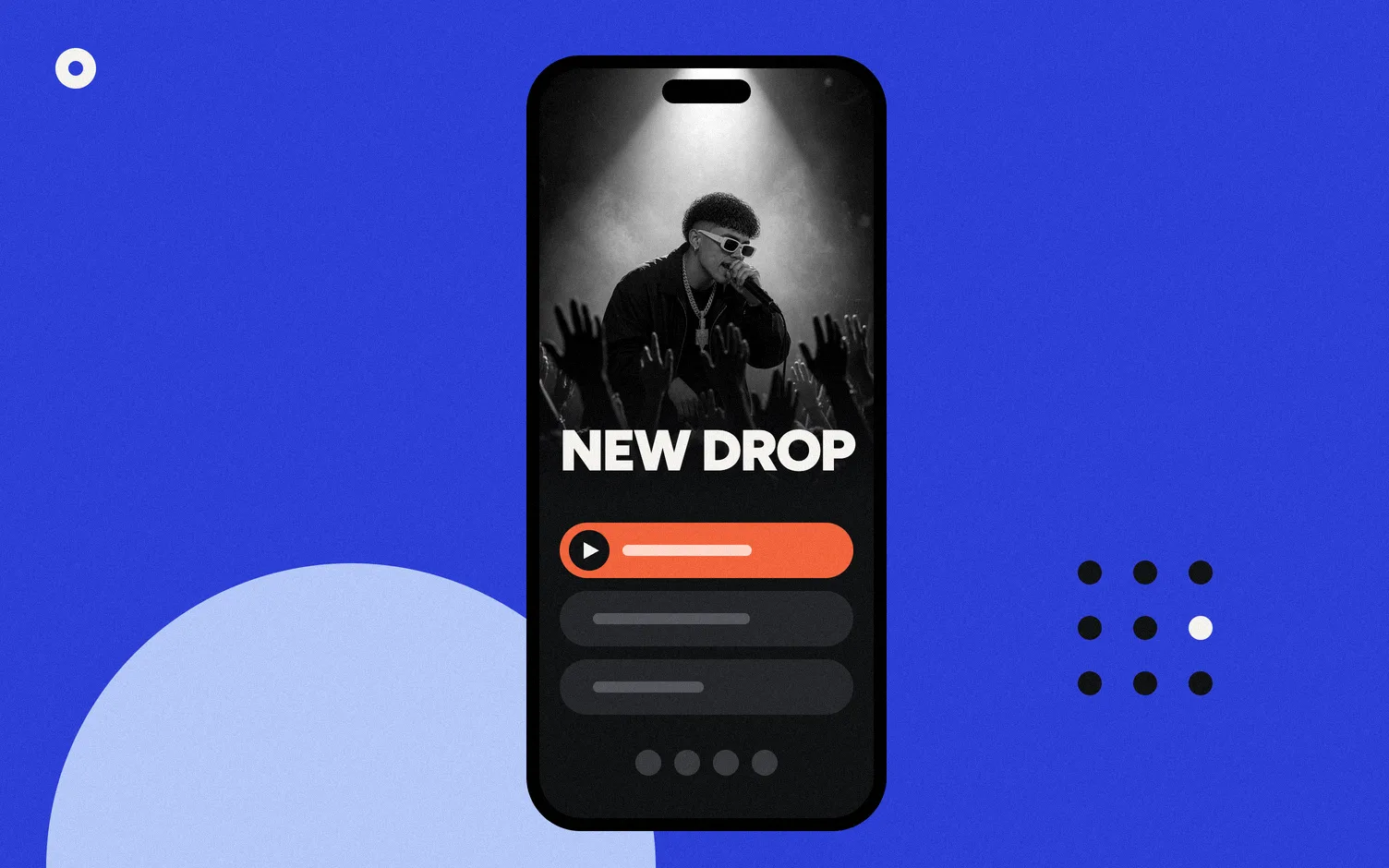
This part is easy to forget, so let it happen on its own if you can. In Loud, your link in bio is built from your music and updates itself: a new release shows up once Loud finds it in its daily check, and a show disappears once its date has passed. You can add your own links and drag them into order. On Pro you can also highlight a link or schedule it with a start and end date, for a pre-save or a ticket sale.
What should your bio text say?
It tells people why to tap. Keep it to what's new and true: "New single out now", "Tour dates below", "Join my list for shows in your city".
How do you know what people tap?
Instagram's insights go back 90 days at most (Instagram Help). To see which button people tap on your link page, you need stats on the page itself.
Loud's link in bio has its own stats, with no cookies: visits, clicks on each link, and fans by city and by where they signed up (website or link in bio). You see the whole history.
What are the most common mistakes?
- Too many buttons that look the same. Ten equal links means nothing stands out. If nobody taps one, move it down or remove it.
- Old links. A pre-save still up after release day, or a show that's sold out.
- Only one platform. Not everyone uses Spotify.
- No way to stay in touch. Without a mailing list, a visitor who leaves may not come back.
More: how to make a music website in two minutes, do musicians still need a website, and Loud vs Linktree if you're switching.
FAQ
How many links can I put in my Instagram bio?
Up to 5. In the app: Edit profile, Links, Add external link.
What should a musician's first link be?
Your latest release, or a pre-save if a release is coming soon.
Should I use a link-in-bio page or Instagram's five links?
If you need more than five things or they change often, a link-in-bio page is easier. You can use both: the page first, and fixed links in the other slots.
Can I use the same link on TikTok?
Yes. The same page works anywhere you can add a website to your profile. If you rap, here's what to put first in a link in bio for rappers. TikTok has its own rules about who can add one; see how to add your Spotify link to your TikTok bio.
Is Loud's link in bio free?
Building it is free. Publishing starts a 14 day free trial, then Pro is US$5 a month, with unlimited links, your latest release, your next show and every design.