How to Use a Custom Domain for Your Artist Website
Keep the same address even if you switch tools: how to pick the name, .com or not, where to buy it, what it costs and how to connect it with DNS.
On this page
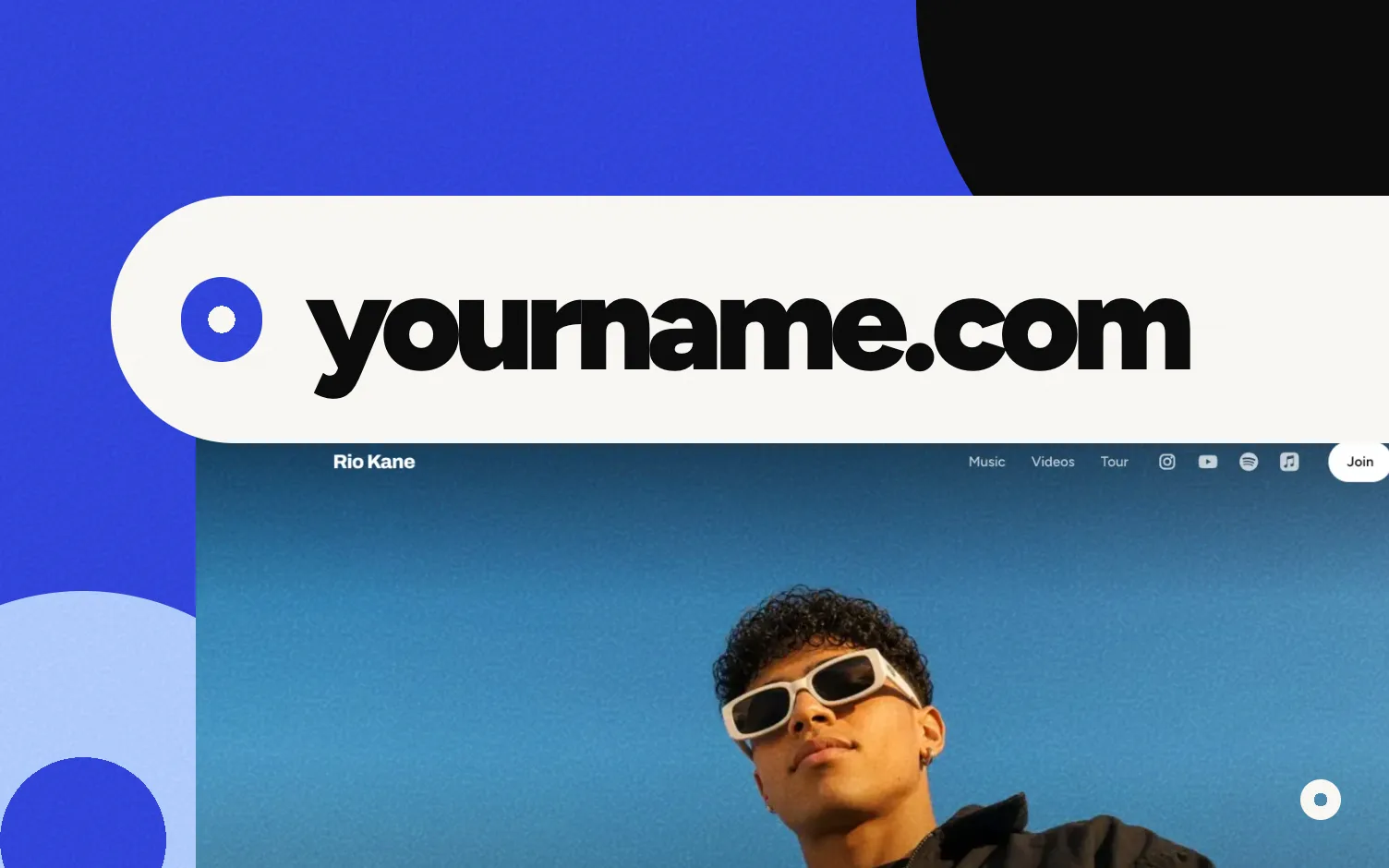
To use your own domain (like yourname.com), buy it from a domain seller such as Namecheap or GoDaddy. Then copy a couple of settings your website tool gives you into your domain's settings at that seller. Once your tool finds those settings, your site opens at your domain, usually with the padlock (https) included.
Do you need your own domain as an artist?
Not to start. The free address from your site builder works, and your Instagram or TikTok bio link can do the job at first. A domain is worth it when:
- You say your website out loud: on stage, in interviews, on posters.
- You email promoters and press (with a press kit) and want an address that matches your name.
- You want an address that stays the same even if you change tools.
That last one is a big reason to have one. Spotify won't link to it from your artist profile, but there's a way around that. If you register the domain in your own name, you can point it to a new tool when you move your site.
How do you choose the name?
- Use your artist name, spelled the way people search for it. If you're Rio Kane, try
riokane.com. - Make it easy to say and spell. Skip hyphens and numbers unless they're part of your name. If you'd have to spell it out every time, pick another.
- If it's taken, add a short word. Like
riokanemusic.comorriokane.band. Pick one and use it everywhere. - Match your socials. Keeping it close to your Instagram handle makes it easier to recognize.
Should it be .com?
If you can get it, it's a simple choice: .com is an ending you won't have to explain. If it's taken or expensive, .music, .band or .co are options too. The difference is how easy they are to remember and what they cost each year.
Where do you buy a domain, and how much is it?
From any domain seller: Cloudflare, Porkbun, Namecheap, GoDaddy and Squarespace are some of them. You pay once a year (or several years at a time) and renew to keep it.
Prices change, so check the seller's page. For example, on Porkbun's pricing page in October 2026, per year:
| Ending | First year | Renewal |
|---|---|---|
| .com | US$11.08 | US$11.08 |
| .net | US$12.52 | US$12.52 |
| .co | US$15.76 (sale) | US$31.20 |
| .band | US$15.96 (sale) | US$28.32 |
| .music | US$38.62 | US$38.62 |
| .xyz | US$2.04 (sale) | US$14.21 |
Look at the renewal column. A domain that costs two dollars this year can cost seven times that next year, and you pay the renewal for as long as you keep it. Cloudflare says it sells domains at cost, "with no markups".
Before you pay, check three things:
- The renewal price.
- Privacy for your contact details. Some sellers include it free. Check before you buy.
- Auto-renew. Turn it on and keep your card up to date. If the domain expires, you can lose it and someone else can buy it.
How does connecting a domain work?
Your domain and your website live in two places: the seller holds the name, and your website tool shows the pages. You link them with DNS records, a few lines in your domain's settings that tell browsers where your site is.
You'll usually see two kinds (Cloudflare's explainer):
- A record: points your main domain (
yourname.com, often written@) to your website tool. - CNAME record: points
www.yourname.comto it too.
The steps are the same with almost any tool:
- Add your domain in your website tool's settings.
- Copy the records it shows you.
- At your domain seller, open the DNS settings and add them exactly as shown.
- Delete any old records on the same name that point somewhere else (some sellers add a "parked" page by default).
- Wait for your website tool to find the records and turn on https.
How do you connect your domain in Loud?
In Loud, your own domain comes with Pro and Tour. Loud doesn't sell domains: you buy yours wherever you like, in your own name, and pay for it there.
- In your dashboard, go to Settings, then Domain.
- Type your domain (like
yourname.com) and tap Connect. - Loud shows you the records to add. Pick where you bought the domain (GoDaddy, Namecheap, Hostinger, Squarespace or somewhere else) to see short steps for that site.
- Add the records there. Keep the Loud page open: it keeps checking and tells you when it finds them. You can also tap Check now.
- Loud turns on https by itself, usually within a few minutes.
Changes usually show up in minutes, sometimes up to 48 hours. Your Loud address (yourname.stayloud.co) keeps working and sends visitors to your domain. Your link in bio stays at stayloud.co/yourname. Fan emails still go out from Loud's address.
If you cancel, your domain stops pointing to Loud and your site goes offline until you subscribe again. Loud doesn't touch your domain itself; it stays with the seller where you bought it.
Related: how to make a music website in two minutes, do musicians still need a website and Loud vs Bandzoogle.
FAQ
How much does a domain cost for a musician?
Around US$11 a year for a .com on Porkbun in October 2026. Other endings cost more. Always check the renewal price, not just the first year.
Should my artist domain be .com?
If your name is free as a .com, it's a simple choice. If not, .music, .band or a .com with a short extra word are options.
What DNS records do I need?
Usually an A record for yourname.com and a CNAME for www. Your website tool tells you exactly what to copy.
How long does it take to work?
Usually minutes, sometimes up to 48 hours. In Loud, once the records are found, https is usually ready within a few minutes.
Does my own domain cost extra on Loud?
No. Connecting your own domain comes with Pro and Tour; you only pay for the domain where you buy it. Without one, your site lives at yourname.stayloud.co. Pro is US$4 a month billed yearly or US$5 monthly.
Does Loud sell domains?
No. You buy yours anywhere, in your name, and connect it from your dashboard.