Band Website: What to Put on It and in What Order (2026)
What a band website needs and in what order: the newest release, shows with tickets, live videos, the lineup, albums, merch and one contact.
On this page
- What should a band website have?
- In what order should the sections go?
- One name, one logo, one login
- Do bands need a website or is a link in bio enough?
- What should a band website skip when starting?
- How much does a band website cost?
- Which tool should a band use to build one?
- How do I keep a band website up to date?
- Band website checklist
- FAQ
A band website needs seven things: your newest release at the top, your shows with ticket links, live videos, the lineup, your albums and EPs, one booking contact for the whole group and a fan sign-up that asks for a city. A band has more people and more moving parts than a solo artist, so the page also has to be easy for several members to keep current.
Below: what a band's site needs that a solo artist's doesn't, the order that works, what to skip when you're starting, what it costs and a checklist.
What should a band website have?
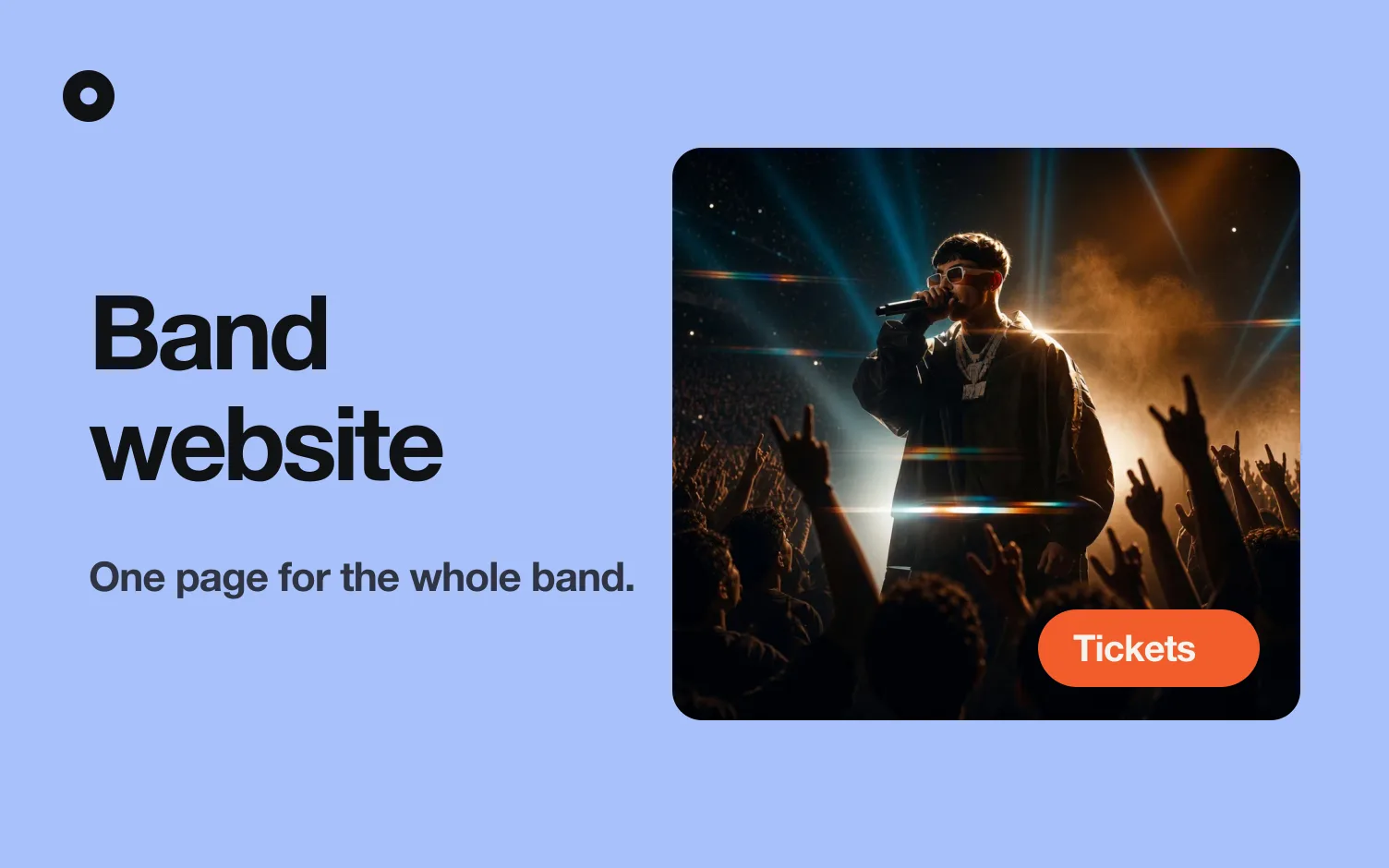
A band website should have your newest release with buttons to every app, your upcoming shows with a Tickets button, live videos, a short section on who is in the band, your full discography, links to your merch, a single booking and press contact, and a sign-up that asks for an email and a city. Everything else is optional.
What makes it different from a solo artist's site is that the page speaks for a group. Fans want to see the whole lineup, promoters want one person to write to, and the people running the site change over the years.
- The newest release, first. Cover, title and a button for each app where people listen. When the next single or album arrives, it should take the top spot without anyone rebuilding the page.
- Shows and tours as a core block. For most bands the live show is the main event. One line per date: date, city, venue and a Tickets button. Group a long run by month so a fan can find their city fast, and hide the section when there are no dates rather than leaving "coming soon."
- Live videos. A clip of the band on a real stage tells a promoter and a new fan more than a studio video does. Put your best live performance next to your official video and play both on the page.
- The lineup. A group photo and a line per member with their instrument. Keep it short, and update it when someone joins or leaves, so the page never shows a drummer who left two years ago.
- Albums and EPs, in full. Bands tend to think in records, so show the full discography with covers, newest first, instead of a flat list of songs.
- Merch. Send people to the shop where you already sell shirts and vinyl. A few clear buttons beat a half-built store on your own page.
- One contact for the whole band. A single booking email, ideally a shared address, and a press photo of the whole lineup that blogs and venues can use (what goes in a press kit). If you have a tech rider, link it too (tech rider and stage plot).
- A sign-up by city. Ask for an email and a city. When you announce a tour, the fans in each city hear first, and the list shows you where to book next (how to start an email list).
In what order should the sections go?
The order that works for most bands: newest release, shows, live video, other albums and EPs, the lineup, merch, fan sign-up, booking and press. Anyone who lands on the page hears the new record first and sees where you play second.
Three changes depending on the moment:
- When you are not touring, swap the shows for the live video and keep the sign-up high, so people can hear about the next run the day it is announced.
- When a new album is coming, put the release first with its date, and keep the sign-up right below it.
- When you are pitching venues, move the live video and the booking contact up. A promoter decides fast, and a clip plus one email address answers both questions.
For a wider look at how artist sites are put together, read the musician website guide.
One name, one logo, one login
Bands have a problem solo artists don't: the site belongs to everyone, but it usually lives in one person's account.
- Use one name and one logo everywhere. The page, the link in bio and your profiles on every app should show the same band name and the same mark, so a fan who finds you in one place recognizes you in another.
- Don't let the site live in one member's login. If the person who built it leaves the band, or just stops answering, you lose access to your own page. Use a shared band email as the owner, or a tool that lets several people in.
- Decide who updates what. One person adds shows, another handles merch links. Write it down, so the page does not go stale because everyone assumed someone else did it.
- Plan for lineup changes. A member leaves, a new one joins. Keep the lineup section the easiest thing to edit on the whole site.
Do bands need a website or is a link in bio enough?
A link in bio is where you send people from Instagram, and a website is the page that shows up when someone searches your band's name. They do different jobs, so most bands end up with both. The link in bio is a single screen of buttons; the website holds your discography, live videos, shows and contacts. If your band name is common, the website matters even more, because it is the page that proves which band you are.
What should a band website skip when starting?
- A full online store. Link to the shop you already use. Running checkout on your own page is a project of its own.
- A long band history. Two or three sentences are enough. The longer version belongs in your press kit.
- A page for every member. A line per member in one section is plenty. Separate bios turn into a chore nobody updates.
- Every old demo and live bootleg. Show your best releases and your best live video. The rest can stay in the apps.
- A tour section with no dates. Hide it until you have a date to show.
- Autoplay music and heavy animations. Most visitors open the page on a phone. If it is slow or loud on arrival, they leave.
How much does a band website cost?
It ranges from nothing to a few hundred dollars a year, depending on the tool. General website builders charge a monthly or yearly plan, and many charge extra for your own domain. The domain is usually the one cost you pay separately, and a band is a good case for splitting it among the members, because yourband.com looks better on a poster and a bio than a long builder address (how to use your own domain). Check each tool's current pricing on its own site before you decide.
Which tool should a band use to build one?
Group the options by what each is for.
- General builders such as Squarespace or Wix. You control every detail, and they handle a store, galleries and long pages. They fit best if you want a custom look or sell a lot of merch on the same page. The cost is that someone in the band builds it and updates it by hand, release after release and show after show.
- Builders made for musicians, such as Bandzoogle. They come with a music player, a tour section and a mailing list. See website builders for musicians for how they compare.
- Loud. An independent musician or band searches one of their songs or their name, and Loud builds their website and link in bio with all their music, keeps them up to date with every release, and builds their fan list by city. For a band, the benefit is that new releases show up without anyone editing, and the city list tells you where your fans are before you plan a tour. Where it loses: it does not sell merch or tickets itself, so those link out to your shop and your ticketing, and it is built for bands that already have music out. There is no free plan: Pro is US$5 a month (US$48 a year) with your own domain and every design in your colors and font, and Tour is US$15 a month (US$144 a year) with everything in Pro plus 5,000 emails a month to your fans and a team of up to 3, which fits a band where another member or a manager keeps the shows current. Both come with 14 days free when you subscribe.
How do I keep a band website up to date?
Most band sites fall behind in the same place: the shows. A page that still lists last year's tour tells a new visitor the band has gone quiet. Decide before you pick a tool who adds new dates and how new releases and videos reach the page, by hand each time or with something that follows your releases for you.
Band website checklist
- Your newest release first, with a button for every app.
- Upcoming shows, each with date, city, venue and a Tickets button, or no shows section at all.
- Your best live video, playable on the page.
- A group photo and a line per member.
- Your full discography, with covers, newest first.
- Links to your merch shop.
- One booking contact, ideally a shared band email.
- A press photo of the whole lineup and a bio of two or three sentences.
- A sign-up that asks for an email and a city.
- One band name and one logo, the same everywhere.
- A login that is not tied to one member.
- A menu of four to six items that works on a phone.
- Your own domain if you can.
FAQ
What should a band website have?
Your newest release with buttons to every app, your upcoming shows with tickets, live videos, the lineup, your discography, links to your merch, one booking and press contact and a fan sign-up with a city.
What goes first on a band website?
The newest release, followed by your shows. If you are not touring, put a live video second instead.
Should I list every band member?
Yes, briefly: a group photo and a line per member with their instrument. Skip separate pages for each one.
Who should own the band's website account?
A shared band email, or a plan that lets several people in. If the site lives in one member's personal login, you can lose access when they leave.
Do I need a store on my website?
No. Link to the shop you already use. A few clear buttons to your merch are enough.
How often should I update a band website?
With every release, video and show, and whenever the lineup changes. Pick a tool that follows your releases, or give one member the job and set a reminder.